Construction details CAD blocks
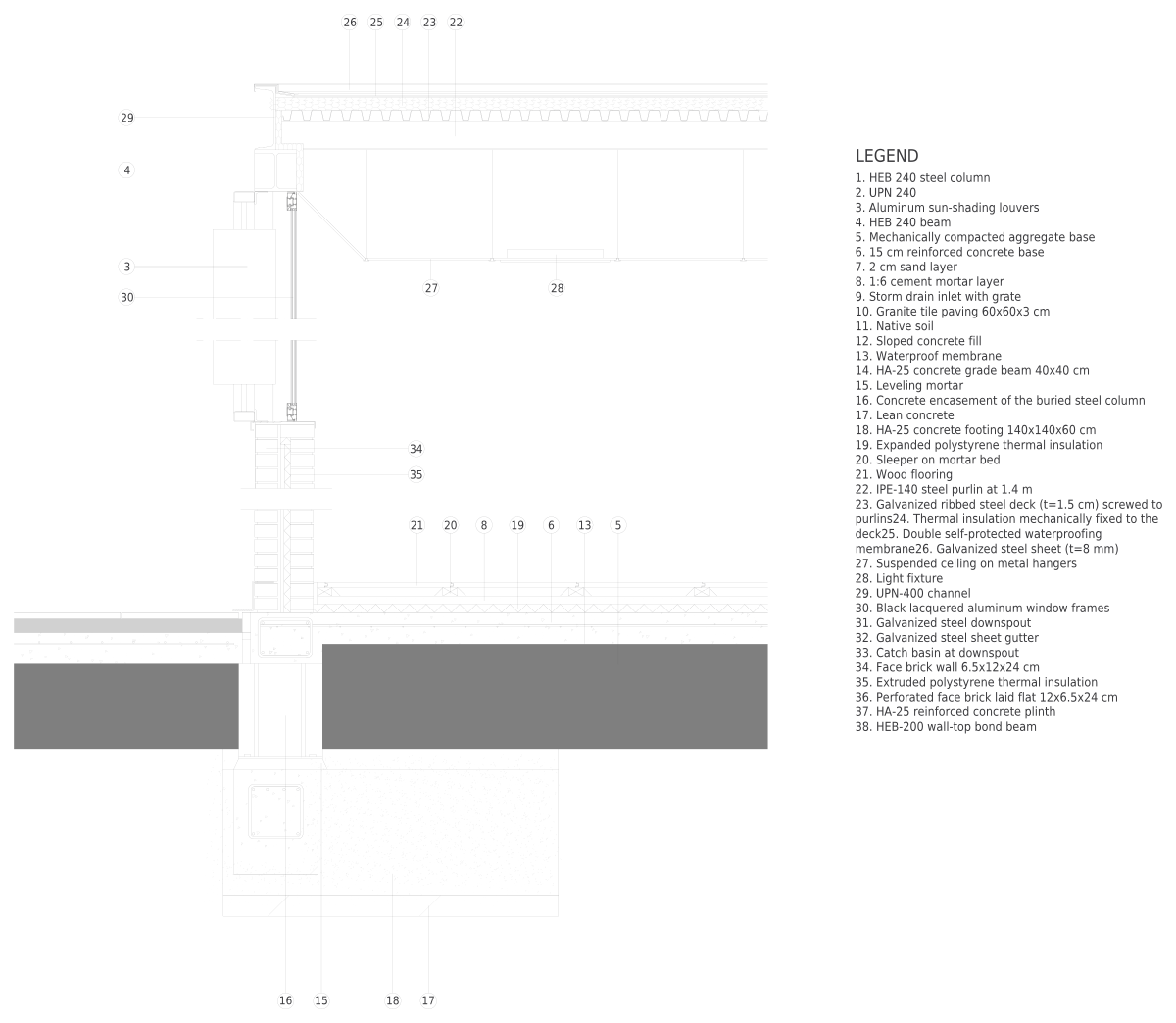
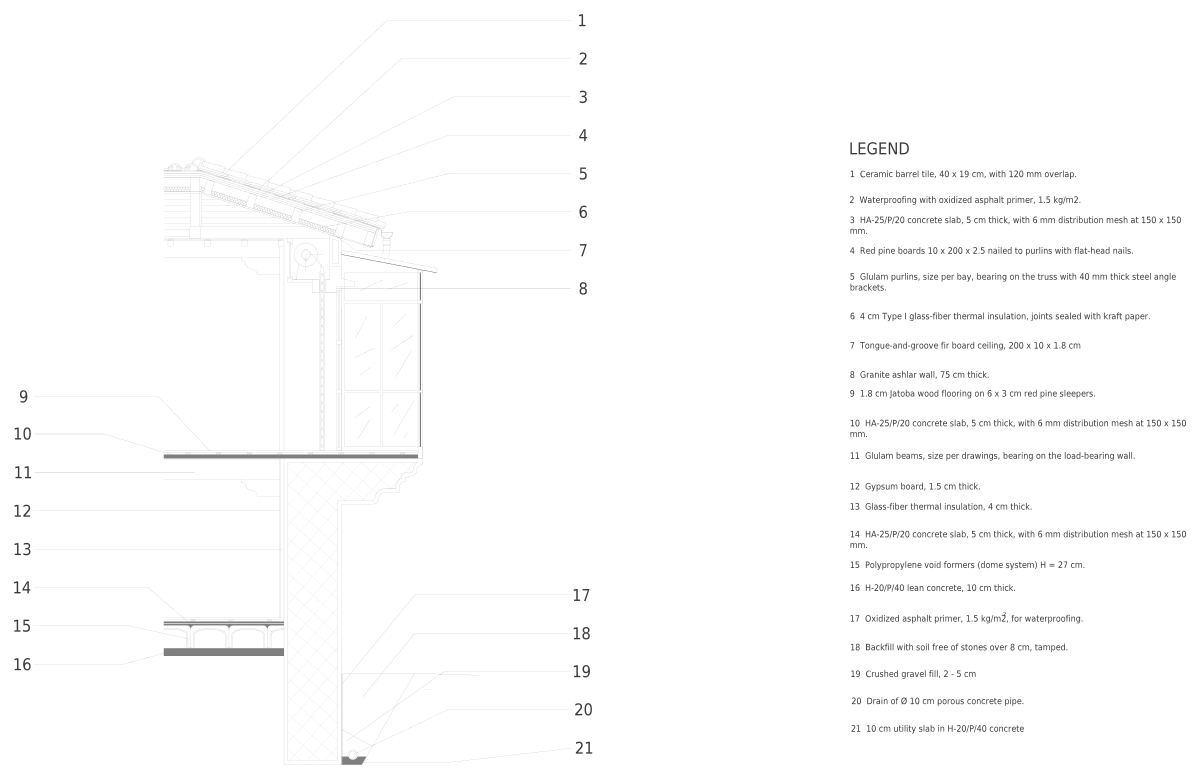
Construction details CAD blocks: roof sections, stairs and railings, wall and facade sections, floors and foundations, structural steel, concrete and timber, paving and road sections, and building components like a concrete masonry unit (CMU). Most are sections and details drawn at full size, ready to plot at 1½″ = 1′-0″ or 3″ = 1′-0″ from a layout viewport and to annotate in your office standard.
Every one downloads as a DWG or DXF in inches and millimeters, and as a PDF, PNG or SVG.
Designing, not drafting? These construction details blocks also come as SVG vectors, PNG files with a transparent background and print-ready PDFs.
All construction details CAD blocks
10 blocks

About construction details CAD blocks
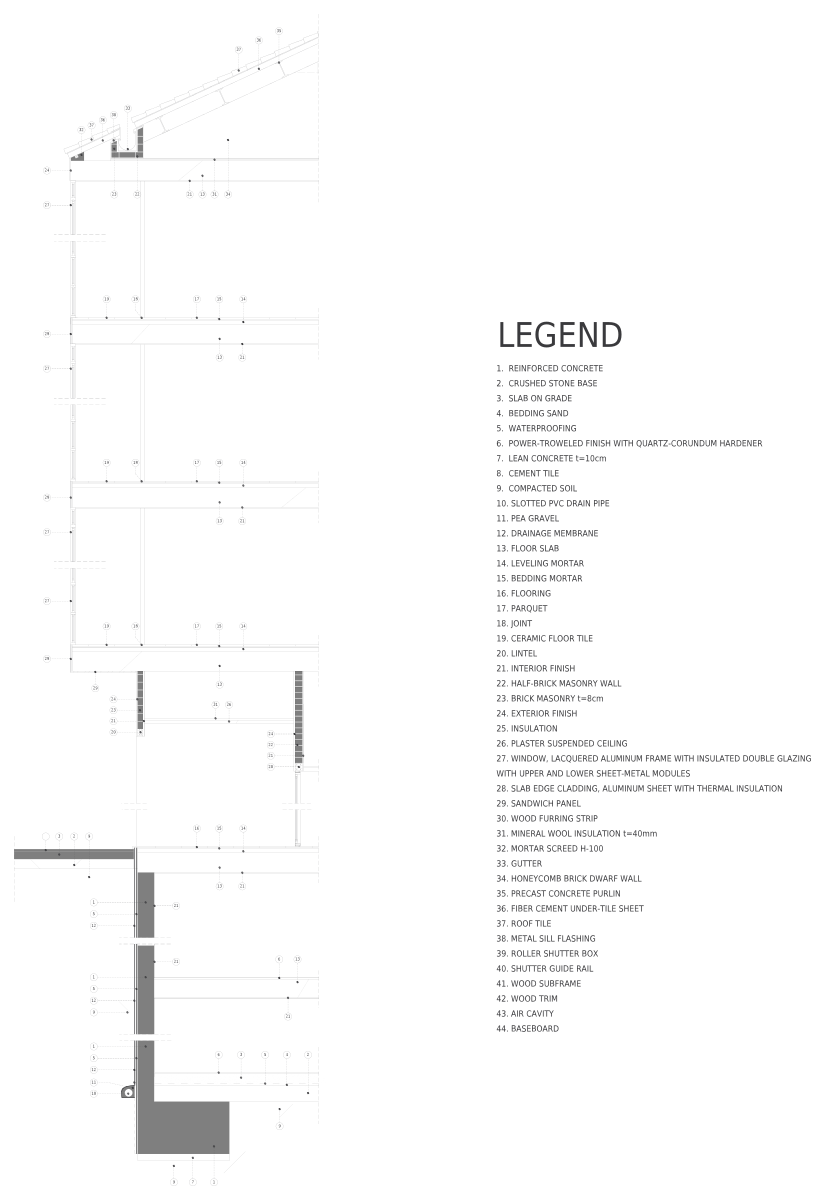
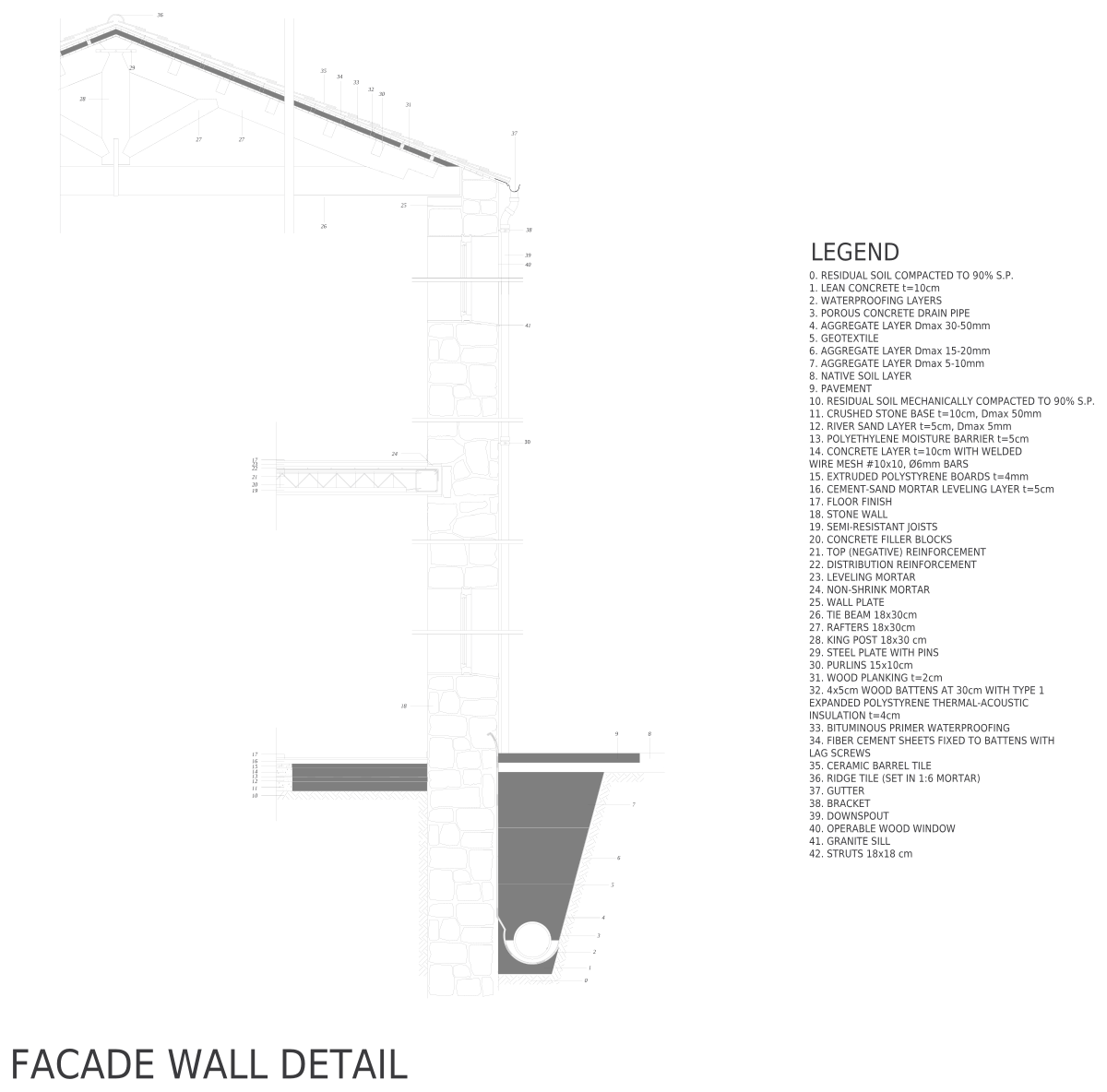
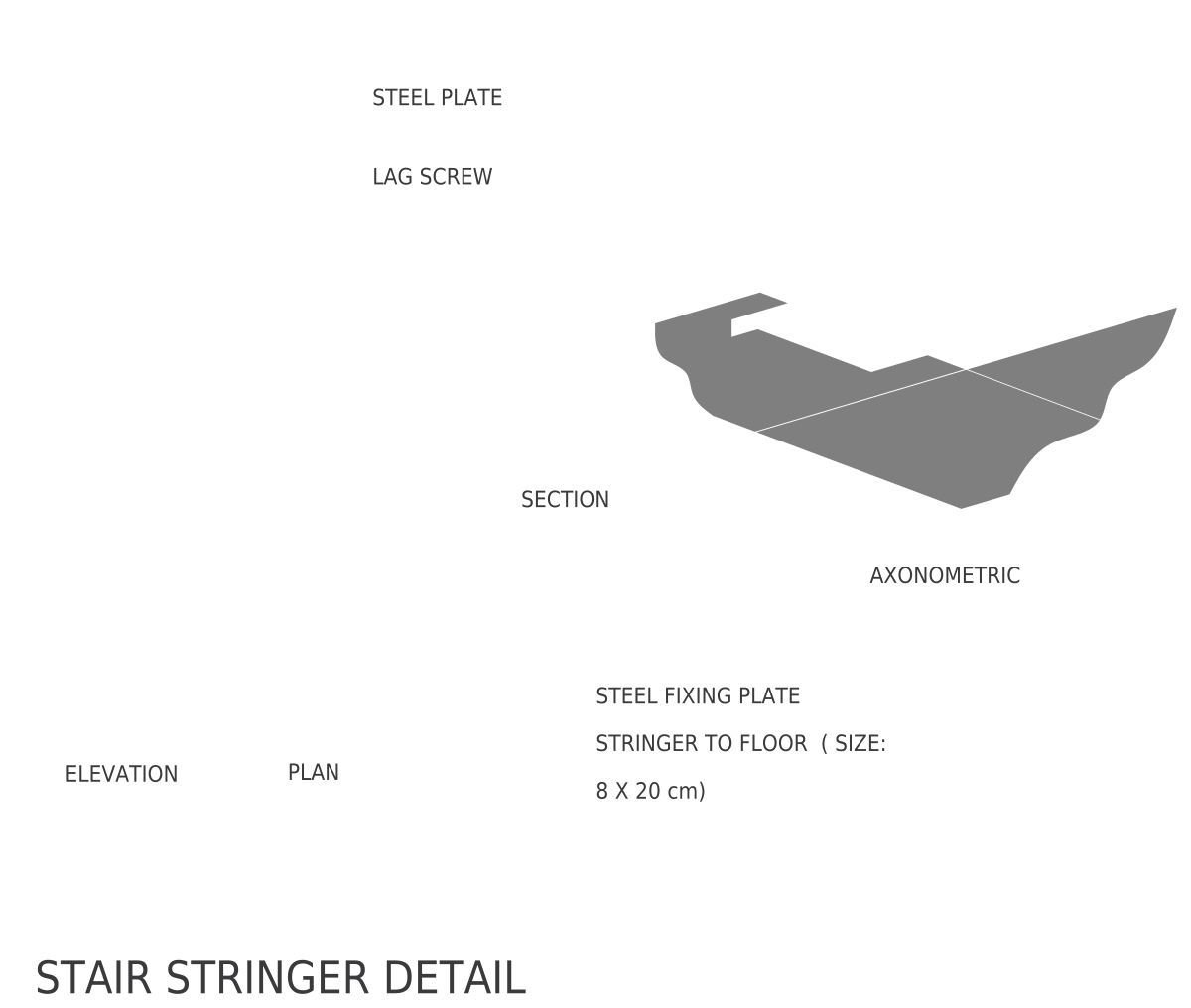
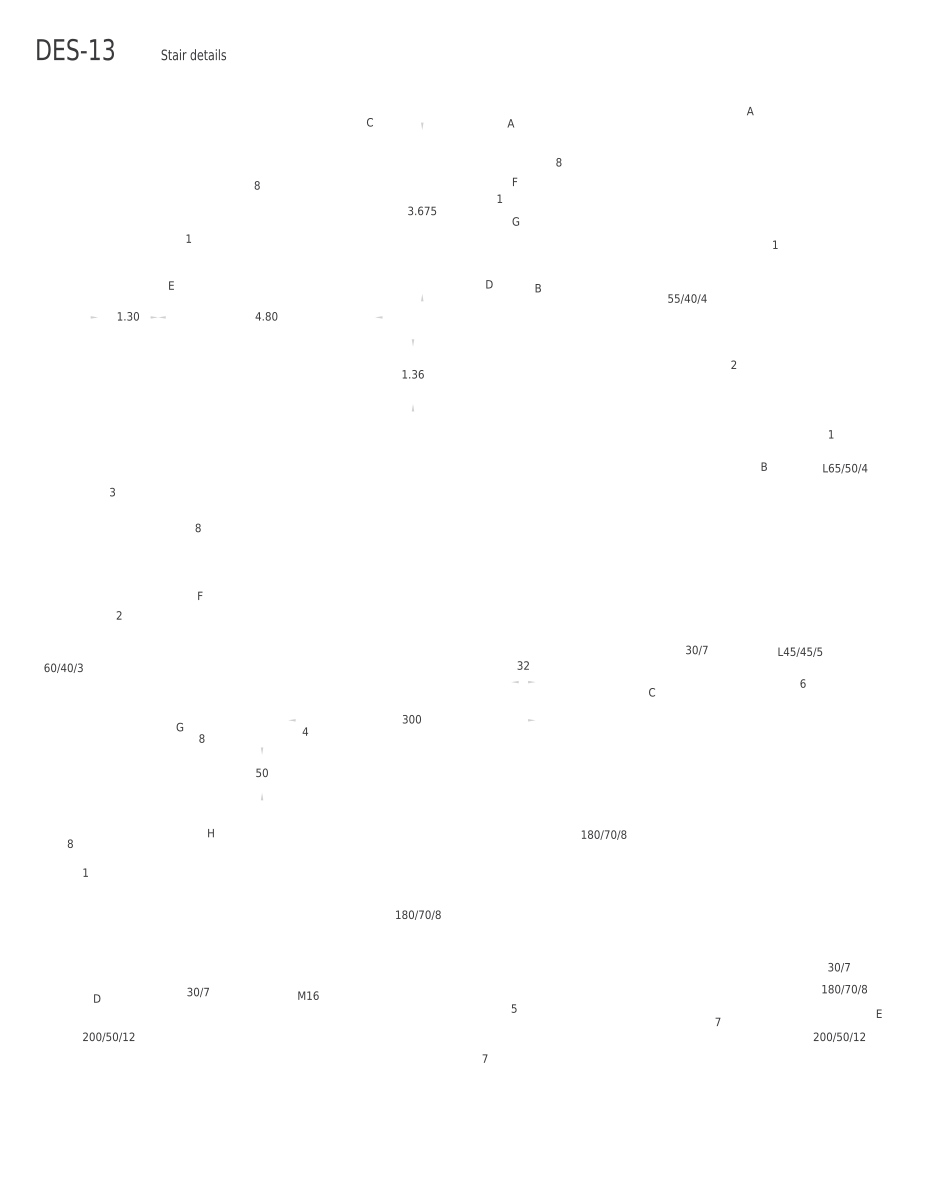
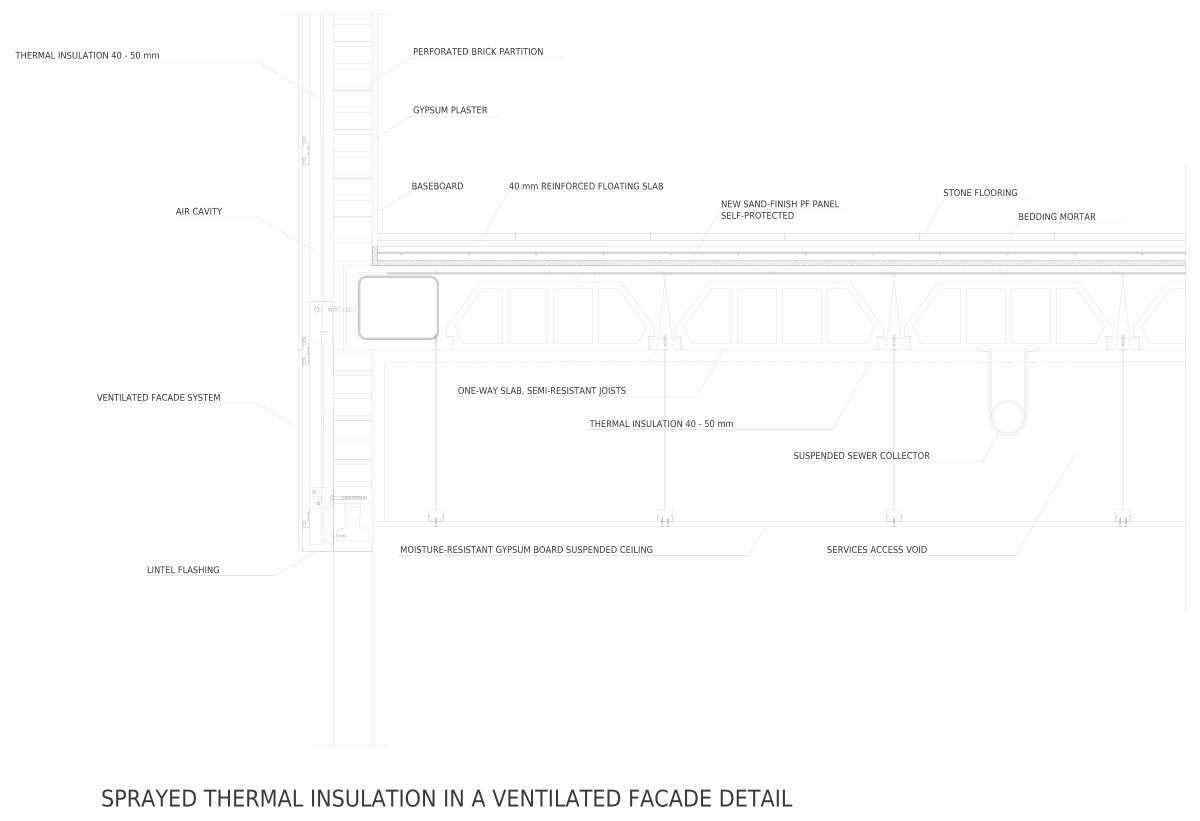
Roofs range from a green roof and a slate roof on timber battens to a roof truss with tie beam 26′-11½″ (8218 mm) long. Stairs include a spiral staircase in plan, a glass stair railing with oak handrail, balusters and an escalator. Walls cover a masonry facade wall and a ventilated facade with spray insulation; floors and foundations a precast column footing and foundation wall drainage; structure a steel column base plate and reinforced concrete beam rebar; and paving a road and sidewalk cross-section and a sidewalk curb ramp.
Treat every detail as a starting point. Member sizes, insulation, flashing and fastenings have to be checked against the IRC or IBC, local amendments and your engineer's design, and annotated in your own office standard. A few baseline figures help: IRC footings are at least 12″ (305 mm) wide and 6″ (152 mm) thick (R403.1.1), a slab on ground at least 3½″ (89 mm) thick (R506.1), and residential stairs keep risers at 7¾″ (197 mm) or less. Keep the blocks at 1:1 in model space and let each viewport set the plot scale, so one detail can appear on a wall section and on an enlarged detail sheet. Most of these drawings are shown without the 6 ft figure, since a connection detail is better judged against its own dimensions.
Each block downloads as a DWG and a DXF in inches and millimeters. For presentation boards, client decks or a quick sketch over a photo, the same drawing also comes as a PDF, a PNG with a transparent background and an SVG vector.
Frequently asked questions
What scale should a construction detail be plotted at?
Wall sections usually plot at 3/4″ = 1′-0″ or 1½″ = 1′-0″ (about 1:16 or 1:8), and connection details at 3″ = 1′-0″ (1:4) or larger. Keep the block at 1:1 in model space and set the scale on the layout viewport, with text and dimensions sized for the paper.
Can I use these details in permit drawings?
As a base, yes: they are free for commercial work. But a permit set has to show your project's actual assembly, so adjust materials and sizes, add notes and dimensions, and have the structural pieces checked by the engineer of record before they go out for review.
What size is a standard concrete block?
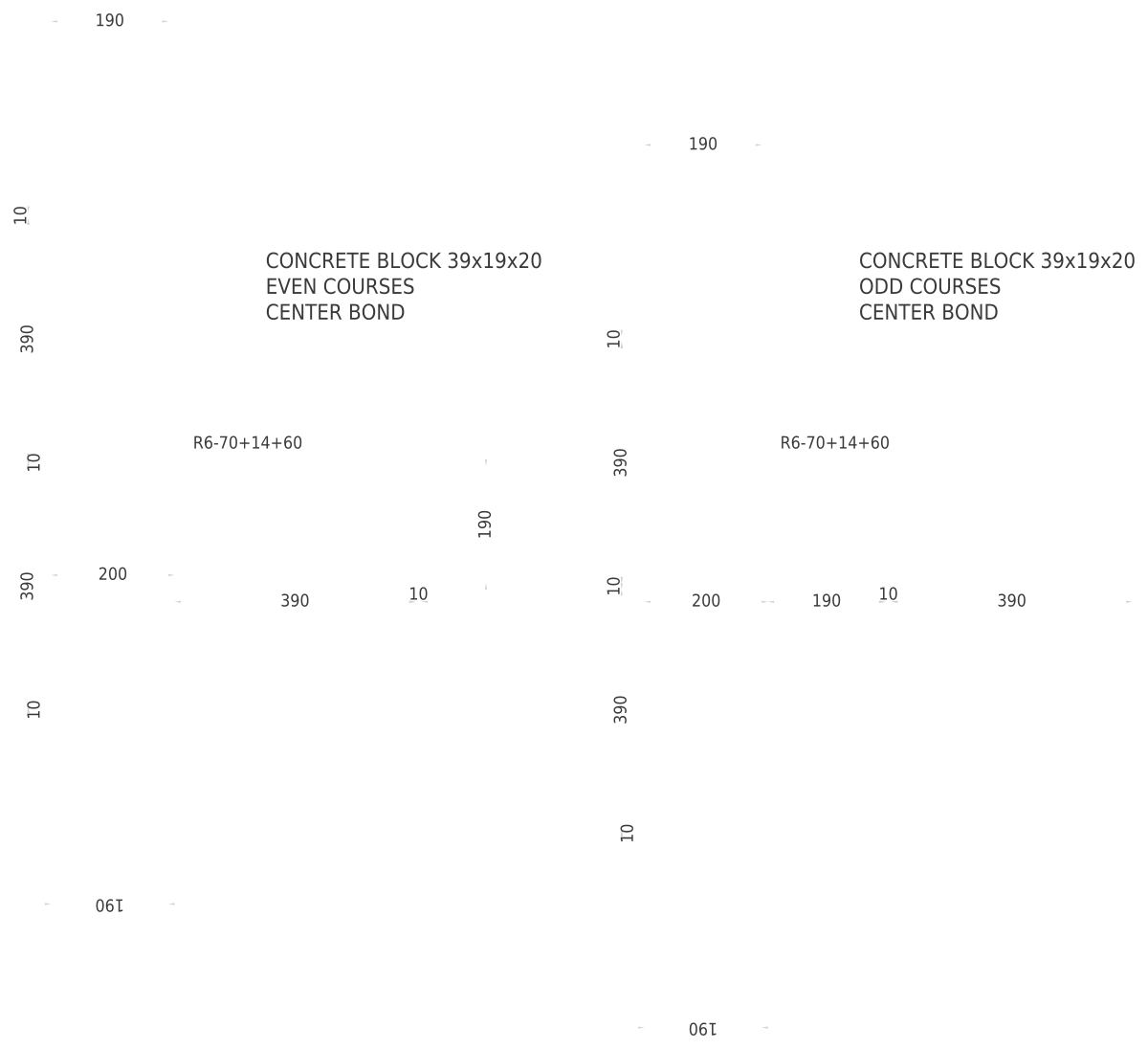
A standard US CMU is 8″ × 8″ × 16″ (203 × 203 × 406 mm) nominal, which is 7⅝″ × 7⅝″ × 15⅝″ (194 × 194 × 397 mm) actual, leaving ⅜″ (10 mm) for the mortar joint. The concrete masonry unit (CMU) section here is 15⅝″ (397 mm) long, matching that actual length.
How do I detail an accessible curb ramp?
ADA 406 limits the running slope to 1:12 and flared sides to 1:10, with a ramp at least 36″ (914 mm) wide and a level landing at the top. Add detectable warning surfaces where the ramp meets the street. The sidewalk curb ramp detail is a base to adapt to your curb height.
What is a hollow-core slab?
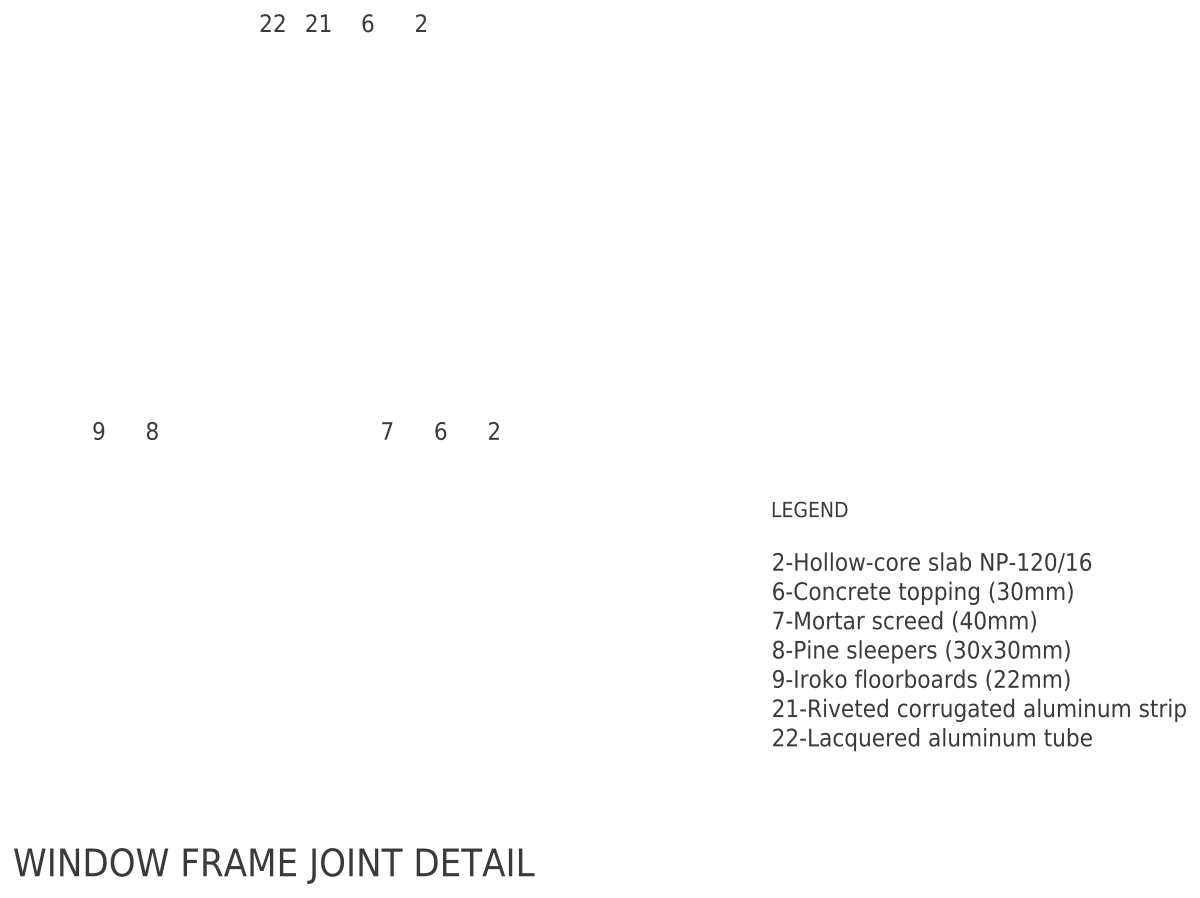
A precast, prestressed concrete plank with round voids running its length, which saves weight while keeping depth. The concrete hollow-core slab section is 9½″ (240 mm) deep; US planks are commonly 4′ (1219 mm) wide and 6–16″ (152–406 mm) deep, chosen from the precaster's span tables.
Can I get these construction details blocks as PNG or SVG?
Yes. Every block here also downloads as a PNG with a transparent background, an SVG vector and a PDF, from its own page, next to the DWG and DXF.