Trees CAD blocks
Tree CAD blocks in elevation and plan: detailed species like the olive tree, banyan tree and spreading acacia tree, generic broadleaf trees with round, layered or multi-stem crowns, minimal stylized trees, and plan symbols from a single tree to a tree group. Elevations run from 16′-10¼″ to 51′-1¼″ (5137–15,575 mm) tall.
Every one downloads as a DWG or DXF in inches and millimeters, and as a PDF, PNG or SVG.
 Acacia Tree · 44′-11⅛″ × 41′-9¾″
41′-9¾″12,746 mm
Acacia Tree
Acacia Tree · 44′-11⅛″ × 41′-9¾″
41′-9¾″12,746 mm
Acacia Tree 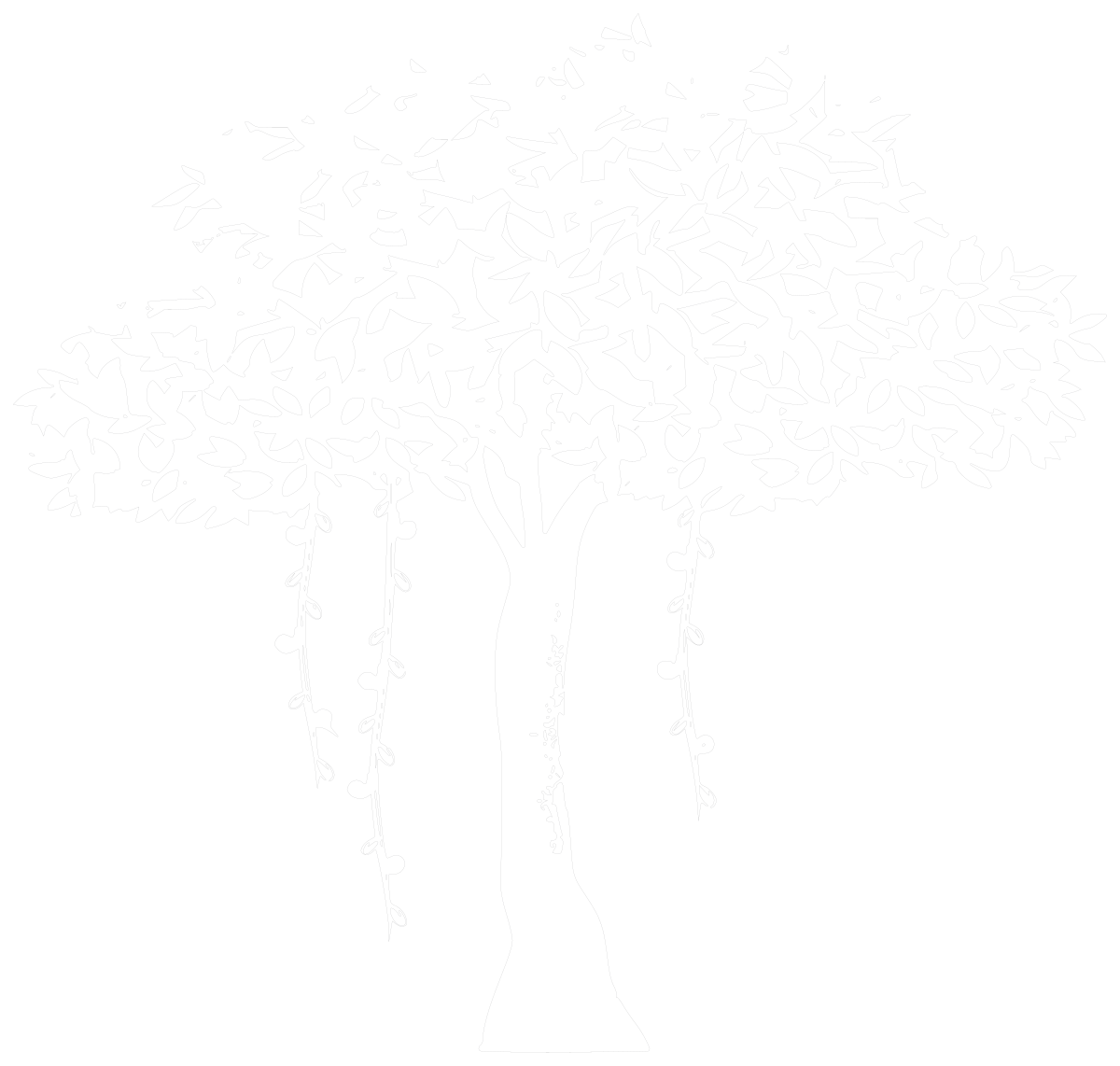 Banyan Tree · 37′-2⅛″ × 35′-3⅞″
35′-3⅞″10,767 mm
Banyan Tree
6′-0″1829 mm
6 ft person
Banyan Tree · 37′-2⅛″ × 35′-3⅞″
35′-3⅞″10,767 mm
Banyan Tree
6′-0″1829 mm
6 ft person  Deciduous Tree · 20′-7¾″ × 32′-1⅝″
32′-1⅝″9794 mm
Deciduous Tree
Deciduous Tree · 20′-7¾″ × 32′-1⅝″
32′-1⅝″9794 mm
Deciduous Tree  Layered-Canopy Tree · 28′-5⅛″ × 38′-11½″
38′-11½″11,875 mm
Layered-Canopy Tree
Layered-Canopy Tree · 28′-5⅛″ × 38′-11½″
38′-11½″11,875 mm
Layered-Canopy Tree  Olive Tree · 34′-4¼″ × 35′-2⅝″
35′-2⅝″10,736 mm
Olive Tree
Olive Tree · 34′-4¼″ × 35′-2⅝″
35′-2⅝″10,736 mm
Olive Tree Designing, not drafting? These trees & plants blocks also come as SVG vectors, PNG files with a transparent background and print-ready PDFs.
Trees, to scale Elevation · to scale
Acacia Tree · 44′-11⅛″ × 41′-9¾″
41′-9¾″12,746 mm
Acacia Tree Banyan Tree · 37′-2⅛″ × 35′-3⅞″
35′-3⅞″10,767 mm
Banyan Tree
6′-0″1829 mm
6 ft person Deciduous Tree · 20′-7¾″ × 32′-1⅝″
32′-1⅝″9794 mm
Deciduous Tree Layered-Canopy Tree · 28′-5⅛″ × 38′-11½″
38′-11½″11,875 mm
Layered-Canopy Tree Olive Tree · 34′-4¼″ × 35′-2⅝″
35′-2⅝″10,736 mm
Olive Tree  Round-Canopy Tree · 30′-11¼″ × 43′-1½″
43′-1½″13,146 mm
Round-Canopy Tree
Round-Canopy Tree · 30′-11¼″ × 43′-1½″
43′-1½″13,146 mm
Round-Canopy Tree Plan views Plan · 1 ft / 500 mm grid
 Tree · 88¼″ × 83¼″
7′-4¼″ ×2240 ×
Tree · 88¼″ × 83¼″
7′-4¼″ ×2240 ×6′-11¼″2116 Tree
 Tree Group · 28′-0¾″ × 25′-3¼″
28′-0¾″ ×8552 ×
Tree Group · 28′-0¾″ × 25′-3¼″
28′-0¾″ ×8552 ×25′-3¼″7701 Tree Group 1′-8″ wide510 mm wide Person
All trees CAD blocks
10 blocks


Frequently asked questions
Which tree style suits a building elevation?
For construction elevations, a light, open crown such as the bare branching tree or the minimal round tree keeps the facade readable. Save the detailed trees, like the gnarled old tree or the weeping fig with aerial roots, for presentation elevations and landscape sections.
How do I show a tree canopy in plan?
Use the large tree canopy, 27′-2″ (8280 mm) across, or the tree symbol at 88¼″ (2240 mm) and scale it uniformly to the species' mature spread, then mark the trunk center for setting out. The tree group covers a cluster in one insert.
How tall are the tree elevations?
They are drawn as grown trees, mostly between about 20′ and 50′ (6–15 m) tall, which suits mature planting on site sections. If a species stays smaller, scale the block down uniformly rather than picking a different shape, so the crown keeps its proportions.
Can I get these trees blocks as PNG or SVG?
Yes. Every block here also downloads as a PNG with a transparent background, an SVG vector and a PDF, from its own page, next to the DWG and DXF.