Trees & plants PNG cutouts
These trees & plants also download as high-resolution PNG files with a transparent background, ready to drop on a board, a render or a slide.
27blocks in PNG
Freeno sign-up
Trees & plants PNG cutouts
27 blocks
 Conifer Tree
Elevation · 26′-4⅜″ × 37′-7¾″8036 × 11,474 mm
DWGDXFPDFPNGSVG
Conifer Tree
Elevation · 26′-4⅜″ × 37′-7¾″8036 × 11,474 mm
DWGDXFPDFPNGSVG
 Fir Tree
Elevation · 20′-6⅜″ × 30′-7″6257 × 9322 mm
DWGDXFPDFPNGSVG
Fir Tree
Elevation · 20′-6⅜″ × 30′-7″6257 × 9322 mm
DWGDXFPDFPNGSVG
 Bottle Palm
Elevation · 19′-0¼″ × 31′-0¼″5798 × 9456 mm
DWGDXFPDFPNGSVG
Bottle Palm
Elevation · 19′-0¼″ × 31′-0¼″5798 × 9456 mm
DWGDXFPDFPNGSVG
 Clustered Palm Tree
Elevation · 18′-10⅛″ × 35′-5⅝″5743 × 10,810 mm
DWGDXFPDFPNGSVG
Clustered Palm Tree
Elevation · 18′-10⅛″ × 35′-5⅝″5743 × 10,810 mm
DWGDXFPDFPNGSVG
 Coconut Palm
Elevation · 17′-10½″ × 37′-0⅝″5447 × 11,294 mm
DWGDXFPDFPNGSVG
Coconut Palm
Elevation · 17′-10½″ × 37′-0⅝″5447 × 11,294 mm
DWGDXFPDFPNGSVG
 Double Palm Tree
Elevation · 20′-10⅛″ × 36′-10½″6354 × 11,241 mm
DWGDXFPDFPNGSVG
Double Palm Tree
Elevation · 20′-10⅛″ × 36′-10½″6354 × 11,241 mm
DWGDXFPDFPNGSVG
 Palm Tree
Elevation · 17′-9″ × 35′-3⅞″5409 × 10,766 mm
DWGDXFPDFPNGSVG
Palm Tree
Elevation · 17′-9″ × 35′-3⅞″5409 × 10,766 mm
DWGDXFPDFPNGSVG
 Tall Palm Tree
Elevation · 37′-1½″ × 57′-6⅞″11,317 × 17,549 mm
DWGDXFPDFPNGSVG
Tall Palm Tree
Elevation · 37′-1½″ × 57′-6⅞″11,317 × 17,549 mm
DWGDXFPDFPNGSVG
 Twin Palm Trees
Elevation · 22′-10⅛″ × 39′-5¼″6963 × 12,021 mm
DWGDXFPDFPNGSVG
Twin Palm Trees
Elevation · 22′-10⅛″ × 39′-5¼″6963 × 12,021 mm
DWGDXFPDFPNGSVG
 Twin Tall Palm Trees
Elevation · 20′-7⅜″ × 44′-8⅛″6283 × 13,618 mm
DWGDXFPDFPNGSVG
Twin Tall Palm Trees
Elevation · 20′-7⅜″ × 44′-8⅛″6283 × 13,618 mm
DWGDXFPDFPNGSVG
 Large Potted Plant
Plan · 43¾″ × 40⅞″1111 × 1038 mm
DWGDXFPDFPNGSVG
Large Potted Plant
Plan · 43¾″ × 40⅞″1111 × 1038 mm
DWGDXFPDFPNGSVG
 Large-Leaf Tropical Plant
Elevation · 26′-6¾″ × 33′-0⅞″8096 × 10,082 mm
DWGDXFPDFPNGSVG
Large-Leaf Tropical Plant
Elevation · 26′-6¾″ × 33′-0⅞″8096 × 10,082 mm
DWGDXFPDFPNGSVG
 Potted Plant
Plan · 21⅞″ × 20⅜″555 × 519 mm
DWGDXFPDFPNGSVG
Potted Plant
Plan · 21⅞″ × 20⅜″555 × 519 mm
DWGDXFPDFPNGSVG
 Round Shrub
Plan · 24¾″ × 25⅝″629 × 652 mm
DWGDXFPDFPNGSVG
Round Shrub
Plan · 24¾″ × 25⅝″629 × 652 mm
DWGDXFPDFPNGSVG
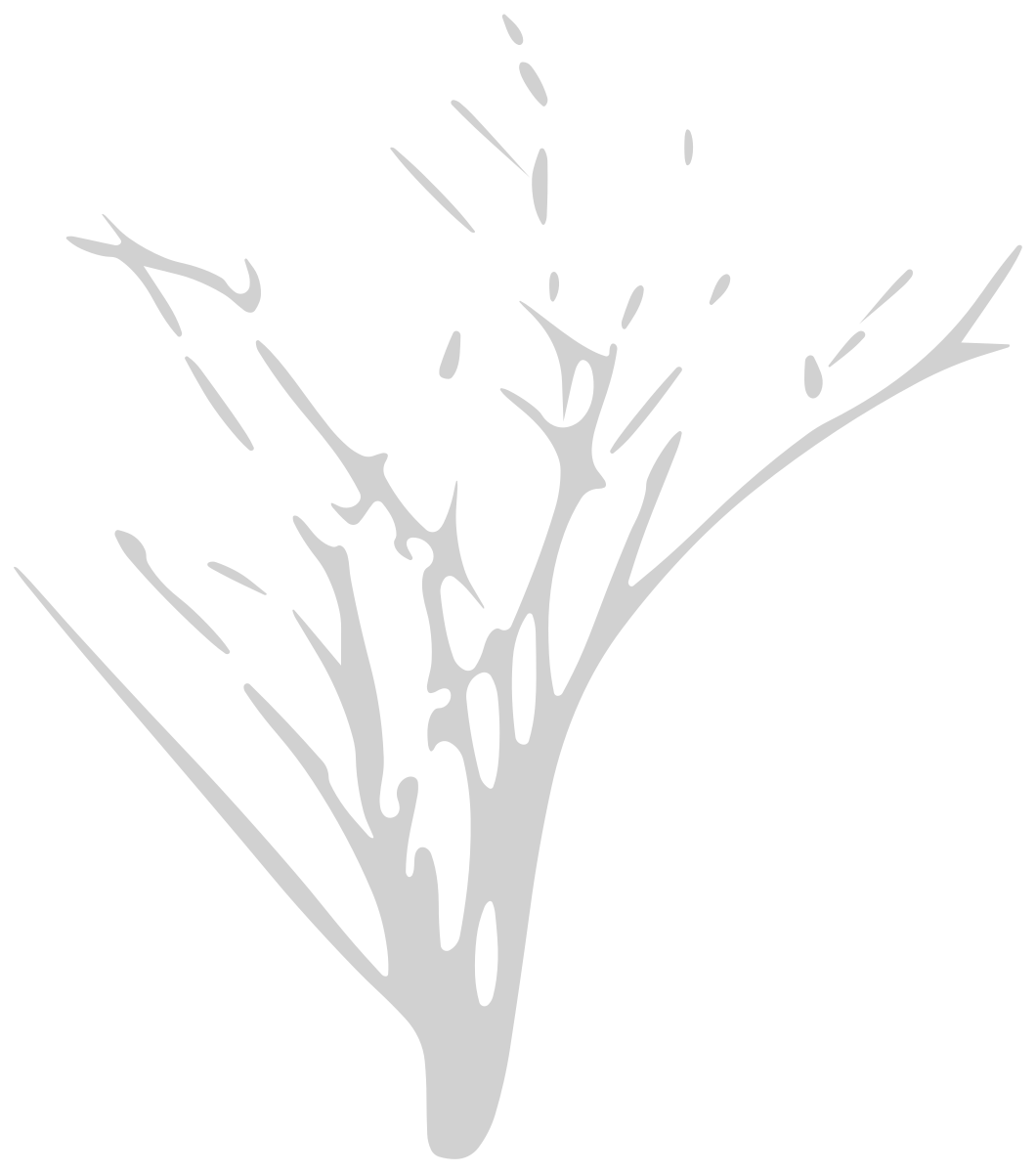 Spiky Multi-Stem Plant
Elevation · 20′-4⅜″ × 23′-1⅜″6207 × 7046 mm
DWGDXFPDFPNGSVG
Spiky Multi-Stem Plant
Elevation · 20′-4⅜″ × 23′-1⅜″6207 × 7046 mm
DWGDXFPDFPNGSVG
 String of Hearts Plant
Plan · 6⅝″ × 5⅝″167 × 142 mm
DWGDXFPDFPNGSVG
String of Hearts Plant
Plan · 6⅝″ × 5⅝″167 × 142 mm
DWGDXFPDFPNGSVG
 Tall Potted Plant
Elevation · 22½″ × 40¾″573 × 1036 mm
DWGDXFPDFPNGSVG
Tall Potted Plant
Elevation · 22½″ × 40¾″573 × 1036 mm
DWGDXFPDFPNGSVG
 Acacia Tree
Elevation · 44′-11⅛″ × 41′-9¾″13,695 × 12,746 mm
DWGDXFPDFPNGSVG
Acacia Tree
Elevation · 44′-11⅛″ × 41′-9¾″13,695 × 12,746 mm
DWGDXFPDFPNGSVG
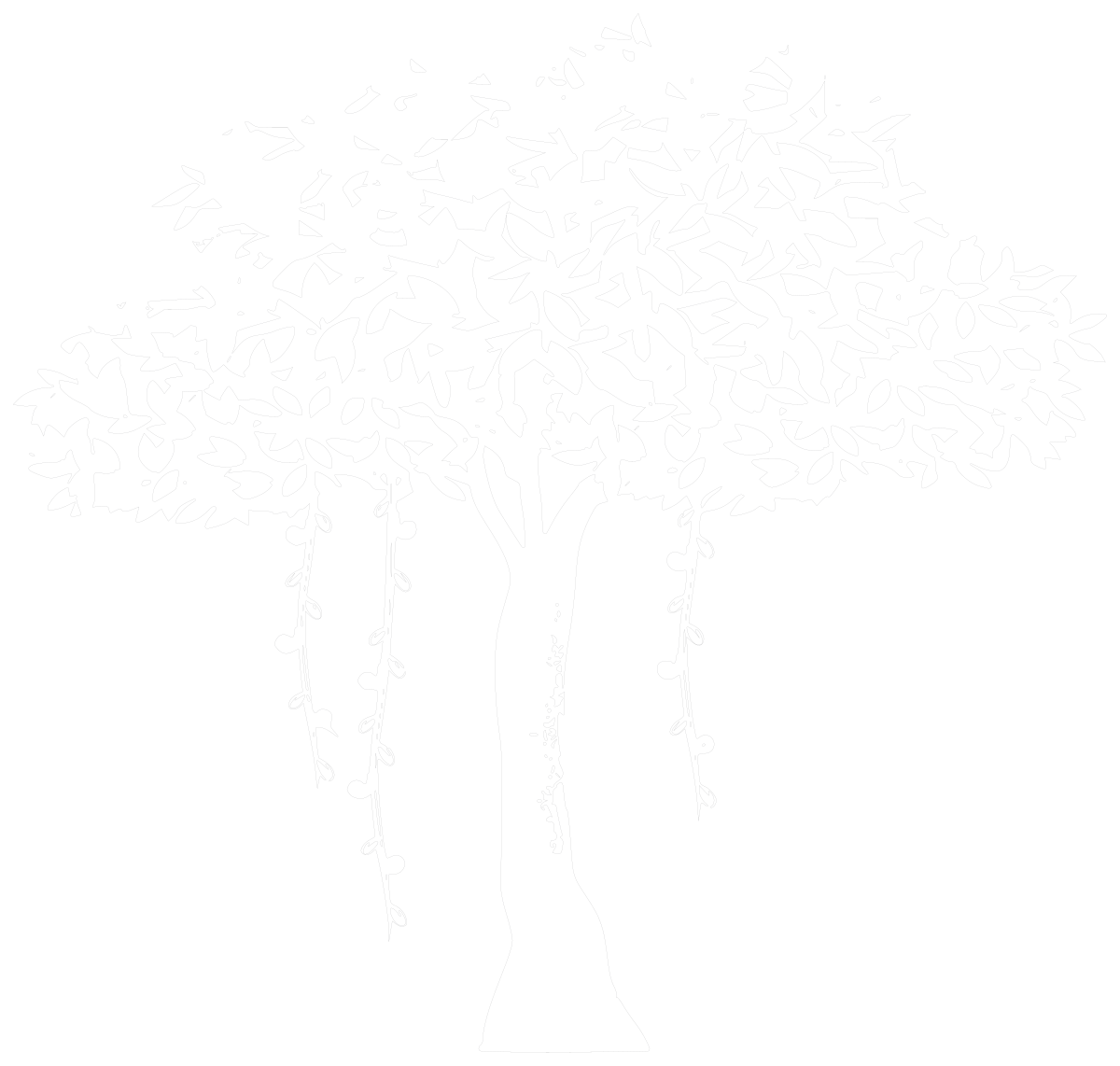 Banyan Tree
Elevation · 37′-2⅛″ × 35′-3⅞″11,332 × 10,767 mm
DWGDXFPDFPNGSVG
Banyan Tree
Elevation · 37′-2⅛″ × 35′-3⅞″11,332 × 10,767 mm
DWGDXFPDFPNGSVG
 Deciduous Tree
Elevation · 20′-7¾″ × 32′-1⅝″6294 × 9794 mm
DWGDXFPDFPNGSVG
Deciduous Tree
Elevation · 20′-7¾″ × 32′-1⅝″6294 × 9794 mm
DWGDXFPDFPNGSVG
 Layered-Canopy Tree
Elevation · 28′-5⅛″ × 38′-11½″8666 × 11,875 mm
DWGDXFPDFPNGSVG
Layered-Canopy Tree
Elevation · 28′-5⅛″ × 38′-11½″8666 × 11,875 mm
DWGDXFPDFPNGSVG
 Olive Tree
Elevation · 34′-4¼″ × 35′-2⅝″10,470 × 10,736 mm
DWGDXFPDFPNGSVG
Olive Tree
Elevation · 34′-4¼″ × 35′-2⅝″10,470 × 10,736 mm
DWGDXFPDFPNGSVG
 Round-Canopy Tree
Elevation · 30′-11¼″ × 43′-1½″9430 × 13,146 mm
DWGDXFPDFPNGSVG
Round-Canopy Tree
Elevation · 30′-11¼″ × 43′-1½″9430 × 13,146 mm
DWGDXFPDFPNGSVG
 Tree
Plan · 88¼″ × 83¼″2240 × 2116 mm
DWGDXFPDFPNGSVG
Tree
Plan · 88¼″ × 83¼″2240 × 2116 mm
DWGDXFPDFPNGSVG
 Tree Group
Plan · 28′-0¾″ × 25′-3¼″8552 × 7701 mm
DWGDXFPDFPNGSVG
Tree Group
Plan · 28′-0¾″ × 25′-3¼″8552 × 7701 mm
DWGDXFPDFPNGSVG
 Umbrella Tree
Elevation · 20′-0¾″ × 33′-6″6114 × 10,210 mm
DWGDXFPDFPNGSVG
Umbrella Tree
Elevation · 20′-0¾″ × 33′-6″6114 × 10,210 mm
DWGDXFPDFPNGSVG
 Wide-Canopy Tree
Elevation · 38′-0″ × 43′-8⅛″11,582 × 13,313 mm
DWGDXFPDFPNGSVG
Wide-Canopy Tree
Elevation · 38′-0″ × 43′-8⅛″11,582 × 13,313 mm
DWGDXFPDFPNGSVG
How to use the PNG files
- Open the block. Pick a block below and download the PNG from its page, next to the DWG.
- Drop it in. Place it in Photoshop, PowerPoint, Keynote, Canva or Word. The background is transparent, so it sits on any image.
- Need exact sizes?. The PNG is for presentation. For drawings at real size, insert the DWG or DXF of the same block, drawn 1:1 in inches or millimeters.
Drawing in CAD? Every block also comes as a DWG and a DXF at real size, in inches and millimeters. Which format do I need?
Common questions
Do the PNG files have a transparent background?
Yes. Only the line work and fills are drawn; everything else is transparent, so the block sits on top of a photo, a render or a coloured slide.
How large are the PNG files?
They are 1600 pixels wide, enough for a full slide or an A3 presentation board.
Can I use the PNG files in commercial work?
Yes. They are free for personal and commercial projects, with no sign-up.