Trees & plants as PDF
These trees & plants drawings also download as vector PDF files that open anywhere and print crisp at any size, no CAD program needed.
27blocks in PDF
Freeno sign-up
Trees & plants as PDF
27 blocks
 Conifer Tree
Elevation · 26′-4⅜″ × 37′-7¾″8036 × 11,474 mm
DWGDXFPDFPNGSVG
Conifer Tree
Elevation · 26′-4⅜″ × 37′-7¾″8036 × 11,474 mm
DWGDXFPDFPNGSVG
 Fir Tree
Elevation · 20′-6⅜″ × 30′-7″6257 × 9322 mm
DWGDXFPDFPNGSVG
Fir Tree
Elevation · 20′-6⅜″ × 30′-7″6257 × 9322 mm
DWGDXFPDFPNGSVG
 Bottle Palm
Elevation · 19′-0¼″ × 31′-0¼″5798 × 9456 mm
DWGDXFPDFPNGSVG
Bottle Palm
Elevation · 19′-0¼″ × 31′-0¼″5798 × 9456 mm
DWGDXFPDFPNGSVG
 Clustered Palm Tree
Elevation · 18′-10⅛″ × 35′-5⅝″5743 × 10,810 mm
DWGDXFPDFPNGSVG
Clustered Palm Tree
Elevation · 18′-10⅛″ × 35′-5⅝″5743 × 10,810 mm
DWGDXFPDFPNGSVG
 Coconut Palm
Elevation · 17′-10½″ × 37′-0⅝″5447 × 11,294 mm
DWGDXFPDFPNGSVG
Coconut Palm
Elevation · 17′-10½″ × 37′-0⅝″5447 × 11,294 mm
DWGDXFPDFPNGSVG
 Double Palm Tree
Elevation · 20′-10⅛″ × 36′-10½″6354 × 11,241 mm
DWGDXFPDFPNGSVG
Double Palm Tree
Elevation · 20′-10⅛″ × 36′-10½″6354 × 11,241 mm
DWGDXFPDFPNGSVG
 Palm Tree
Elevation · 17′-9″ × 35′-3⅞″5409 × 10,766 mm
DWGDXFPDFPNGSVG
Palm Tree
Elevation · 17′-9″ × 35′-3⅞″5409 × 10,766 mm
DWGDXFPDFPNGSVG
 Tall Palm Tree
Elevation · 37′-1½″ × 57′-6⅞″11,317 × 17,549 mm
DWGDXFPDFPNGSVG
Tall Palm Tree
Elevation · 37′-1½″ × 57′-6⅞″11,317 × 17,549 mm
DWGDXFPDFPNGSVG
 Twin Palm Trees
Elevation · 22′-10⅛″ × 39′-5¼″6963 × 12,021 mm
DWGDXFPDFPNGSVG
Twin Palm Trees
Elevation · 22′-10⅛″ × 39′-5¼″6963 × 12,021 mm
DWGDXFPDFPNGSVG
 Twin Tall Palm Trees
Elevation · 20′-7⅜″ × 44′-8⅛″6283 × 13,618 mm
DWGDXFPDFPNGSVG
Twin Tall Palm Trees
Elevation · 20′-7⅜″ × 44′-8⅛″6283 × 13,618 mm
DWGDXFPDFPNGSVG
 Large Potted Plant
Plan · 43¾″ × 40⅞″1111 × 1038 mm
DWGDXFPDFPNGSVG
Large Potted Plant
Plan · 43¾″ × 40⅞″1111 × 1038 mm
DWGDXFPDFPNGSVG
 Large-Leaf Tropical Plant
Elevation · 26′-6¾″ × 33′-0⅞″8096 × 10,082 mm
DWGDXFPDFPNGSVG
Large-Leaf Tropical Plant
Elevation · 26′-6¾″ × 33′-0⅞″8096 × 10,082 mm
DWGDXFPDFPNGSVG
 Potted Plant
Plan · 21⅞″ × 20⅜″555 × 519 mm
DWGDXFPDFPNGSVG
Potted Plant
Plan · 21⅞″ × 20⅜″555 × 519 mm
DWGDXFPDFPNGSVG
 Round Shrub
Plan · 24¾″ × 25⅝″629 × 652 mm
DWGDXFPDFPNGSVG
Round Shrub
Plan · 24¾″ × 25⅝″629 × 652 mm
DWGDXFPDFPNGSVG
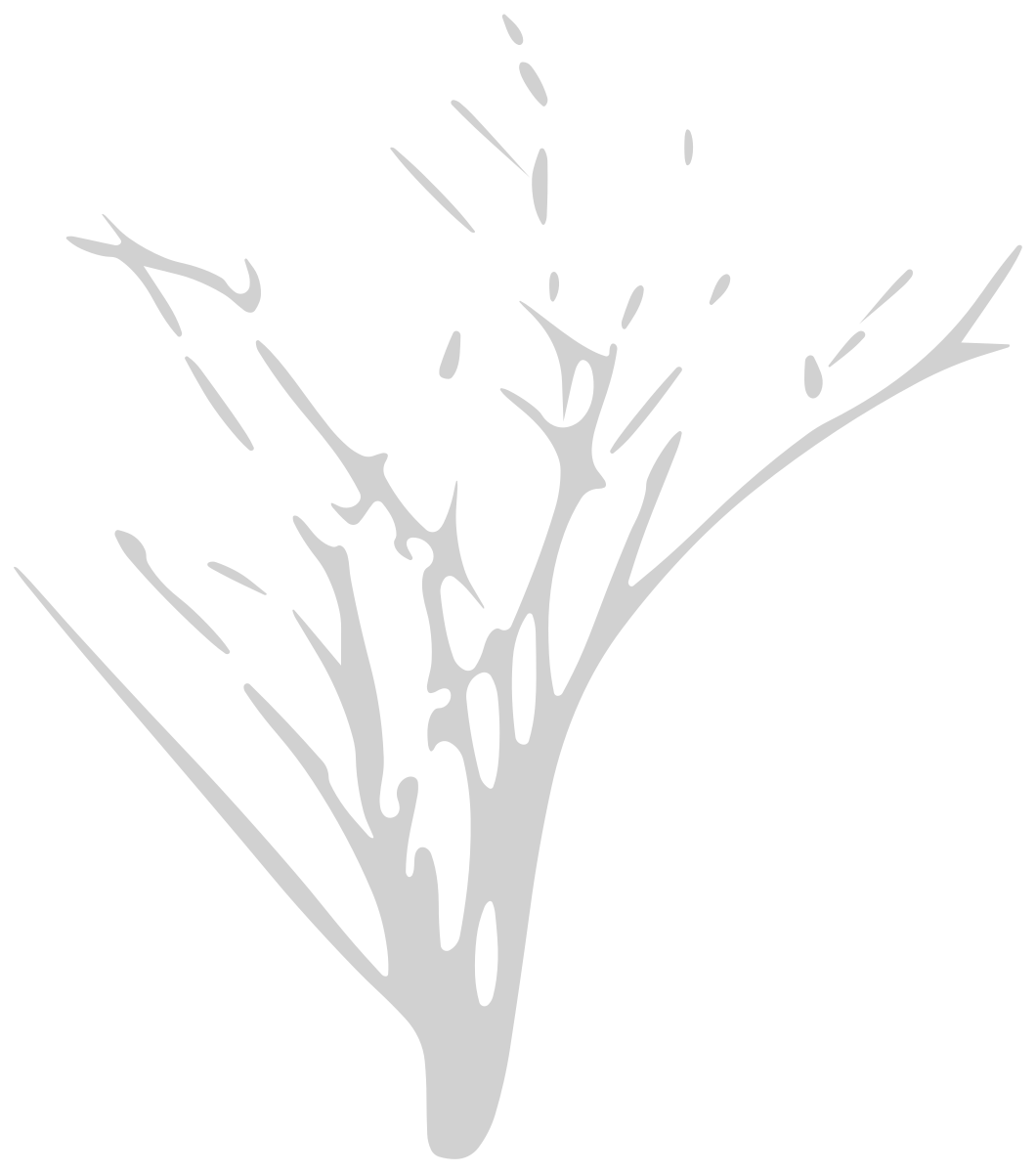 Spiky Multi-Stem Plant
Elevation · 20′-4⅜″ × 23′-1⅜″6207 × 7046 mm
DWGDXFPDFPNGSVG
Spiky Multi-Stem Plant
Elevation · 20′-4⅜″ × 23′-1⅜″6207 × 7046 mm
DWGDXFPDFPNGSVG
 String of Hearts Plant
Plan · 6⅝″ × 5⅝″167 × 142 mm
DWGDXFPDFPNGSVG
String of Hearts Plant
Plan · 6⅝″ × 5⅝″167 × 142 mm
DWGDXFPDFPNGSVG
 Tall Potted Plant
Elevation · 22½″ × 40¾″573 × 1036 mm
DWGDXFPDFPNGSVG
Tall Potted Plant
Elevation · 22½″ × 40¾″573 × 1036 mm
DWGDXFPDFPNGSVG
 Acacia Tree
Elevation · 44′-11⅛″ × 41′-9¾″13,695 × 12,746 mm
DWGDXFPDFPNGSVG
Acacia Tree
Elevation · 44′-11⅛″ × 41′-9¾″13,695 × 12,746 mm
DWGDXFPDFPNGSVG
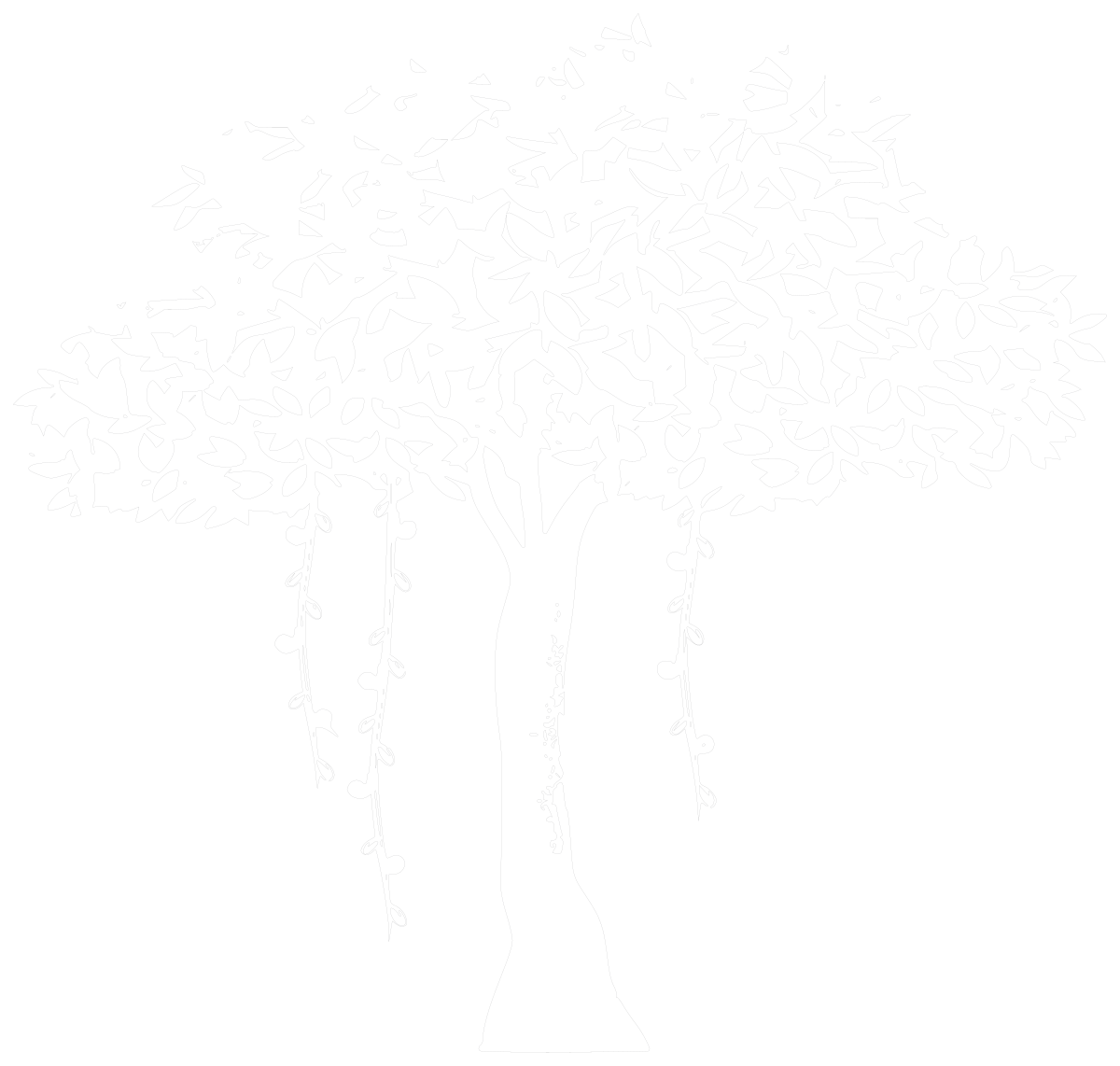 Banyan Tree
Elevation · 37′-2⅛″ × 35′-3⅞″11,332 × 10,767 mm
DWGDXFPDFPNGSVG
Banyan Tree
Elevation · 37′-2⅛″ × 35′-3⅞″11,332 × 10,767 mm
DWGDXFPDFPNGSVG
 Deciduous Tree
Elevation · 20′-7¾″ × 32′-1⅝″6294 × 9794 mm
DWGDXFPDFPNGSVG
Deciduous Tree
Elevation · 20′-7¾″ × 32′-1⅝″6294 × 9794 mm
DWGDXFPDFPNGSVG
 Layered-Canopy Tree
Elevation · 28′-5⅛″ × 38′-11½″8666 × 11,875 mm
DWGDXFPDFPNGSVG
Layered-Canopy Tree
Elevation · 28′-5⅛″ × 38′-11½″8666 × 11,875 mm
DWGDXFPDFPNGSVG
 Olive Tree
Elevation · 34′-4¼″ × 35′-2⅝″10,470 × 10,736 mm
DWGDXFPDFPNGSVG
Olive Tree
Elevation · 34′-4¼″ × 35′-2⅝″10,470 × 10,736 mm
DWGDXFPDFPNGSVG
 Round-Canopy Tree
Elevation · 30′-11¼″ × 43′-1½″9430 × 13,146 mm
DWGDXFPDFPNGSVG
Round-Canopy Tree
Elevation · 30′-11¼″ × 43′-1½″9430 × 13,146 mm
DWGDXFPDFPNGSVG
 Tree
Plan · 88¼″ × 83¼″2240 × 2116 mm
DWGDXFPDFPNGSVG
Tree
Plan · 88¼″ × 83¼″2240 × 2116 mm
DWGDXFPDFPNGSVG
 Tree Group
Plan · 28′-0¾″ × 25′-3¼″8552 × 7701 mm
DWGDXFPDFPNGSVG
Tree Group
Plan · 28′-0¾″ × 25′-3¼″8552 × 7701 mm
DWGDXFPDFPNGSVG
 Umbrella Tree
Elevation · 20′-0¾″ × 33′-6″6114 × 10,210 mm
DWGDXFPDFPNGSVG
Umbrella Tree
Elevation · 20′-0¾″ × 33′-6″6114 × 10,210 mm
DWGDXFPDFPNGSVG
 Wide-Canopy Tree
Elevation · 38′-0″ × 43′-8⅛″11,582 × 13,313 mm
DWGDXFPDFPNGSVG
Wide-Canopy Tree
Elevation · 38′-0″ × 43′-8⅛″11,582 × 13,313 mm
DWGDXFPDFPNGSVG
How to use the PDF files
- Open the block. Pick a block below and download the PDF from its page, next to the DWG.
- Open or print it. It opens in any browser, Acrobat or Preview, and prints sharp on any paper size.
- Share it. Send it to a client or a builder who has no CAD program. For drafting, use the DWG or DXF.
Drawing in CAD? Every block also comes as a DWG and a DXF at real size, in inches and millimeters. Which format do I need?
Common questions
Is the PDF a vector file?
Yes. The lines stay sharp at any zoom and print size, and you can import the PDF into Illustrator or Inkscape to edit it.
Is the PDF printed to scale?
The PDF keeps the drawing's proportions but is not set to a drawing scale. For scaled drawings, insert the DWG or DXF at scale 1 in your CAD program.
Can I use the PDF files in commercial work?
Yes. They are free for personal and commercial projects, with no sign-up.