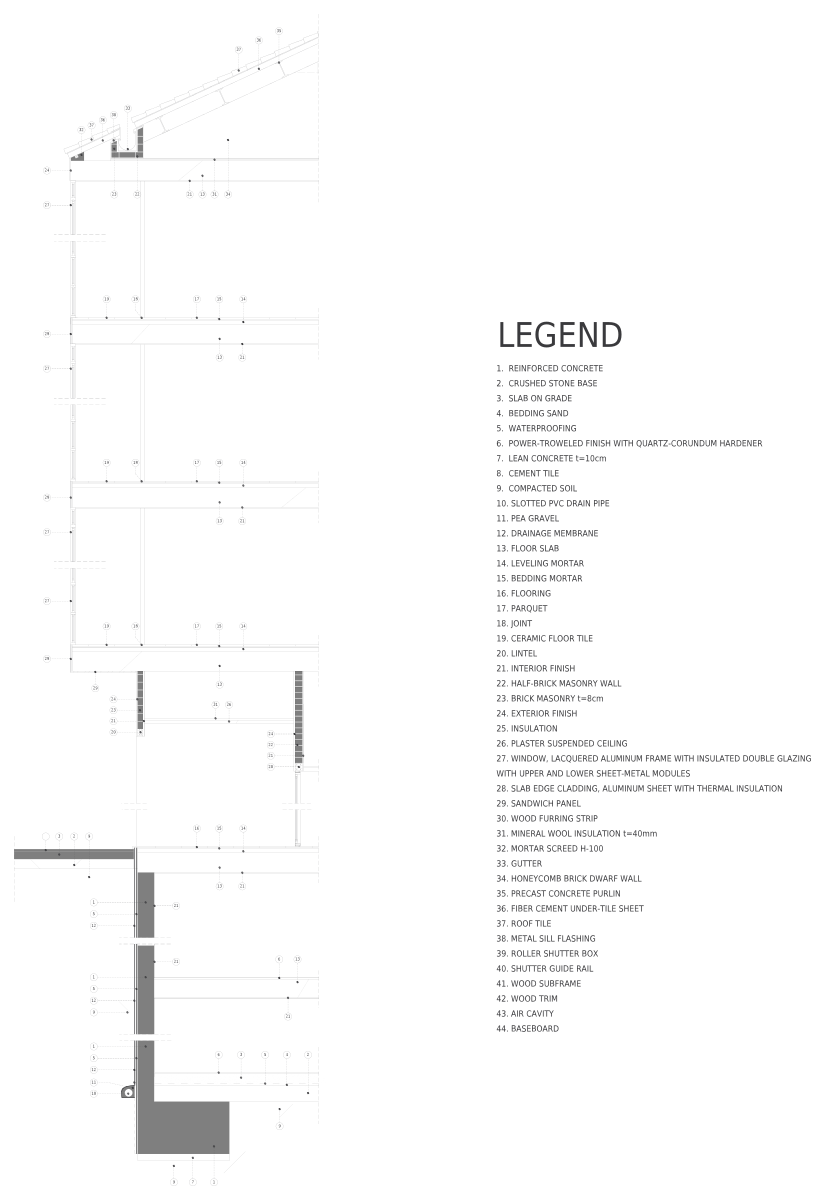
Facade section with legend CAD block · section
 15′-3⅜″4659 mm
58′-9⅜″17,915 mm
15′-3⅜″4659 mm
58′-9⅜″17,915 mm
Section · 15′-3⅜″ × 58′-9⅜″4659 × 17,915 mm
Description
A section of the facade section with legend, drawn 1:1, 15′-3⅜″ × 58′-9⅜″ (4659 × 17,915 mm).
Pick the inch or the millimeter DWG: each one is drawn 1:1, has its base point at 0,0 and opens in AutoCAD 2000 and later. The file names say which is which: cadgrid-facade-section-full-legend_in.dwg for inches and cadgrid-facade-section-full-legend_mm.dwg for millimeters.
Drawn at full size in model space, it plots at any detail scale from a layout viewport.
Working outside CAD? The same drawing also comes as a DXF for other CAD programs, a PDF for printing, a PNG with a transparent background for slides and mood boards and an SVG you can edit in Illustrator, Inkscape or Figma.
Common questions
What are the dimensions of the facade section with legend CAD block?
It measures 15′-3⅜″ × 58′-9⅜″ (4659 × 17,915 mm) in section, taken from the outer edges of the drawing. The page shows the same sizes in both units next to the drawing.
Is this block in inches or millimeters?
Both. cadgrid-facade-section-full-legend_in.dwg is drawn in inches (INSUNITS 1) and cadgrid-facade-section-full-legend_mm.dwg in millimeters (INSUNITS 4). Insert the one that matches your drawing at scale 1 and the block comes in at its real size.
Can I use it in commercial projects?
Yes. You can use it in personal and commercial drawings, change it as you like, and you don't need to give credit. What you can't do is sell or re-upload the DWG file itself.
Can I use this facade section with legend outside AutoCAD?
Yes. Use the DXF in other CAD programs, the PNG with its transparent background in slides, documents and mood boards, the SVG to edit it in Illustrator, Inkscape or Figma, and the PDF to print it or send it to someone without CAD.
Often placed with this facade section with legend
Plans and elevations from Construction details
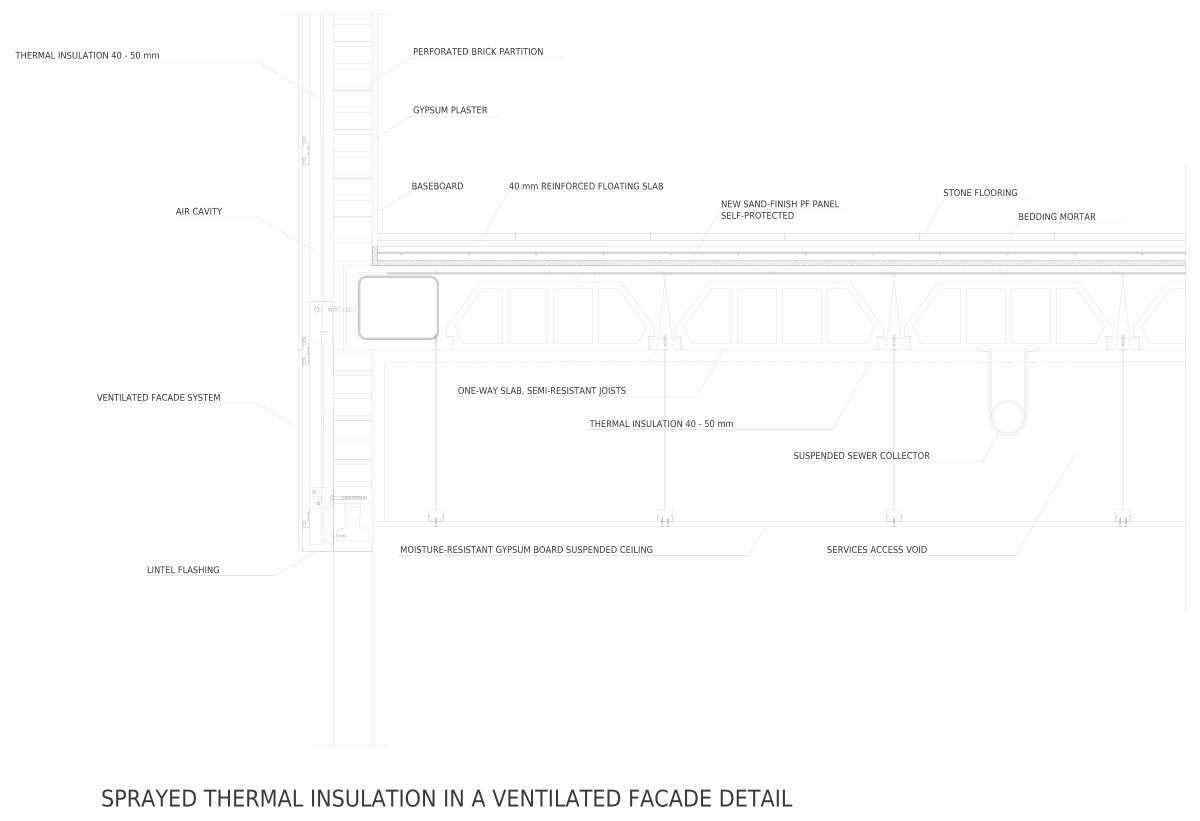 Ventilated Facade with Spray InsulationSection · 11′-5″ × 85½″3480 × 2171 mm
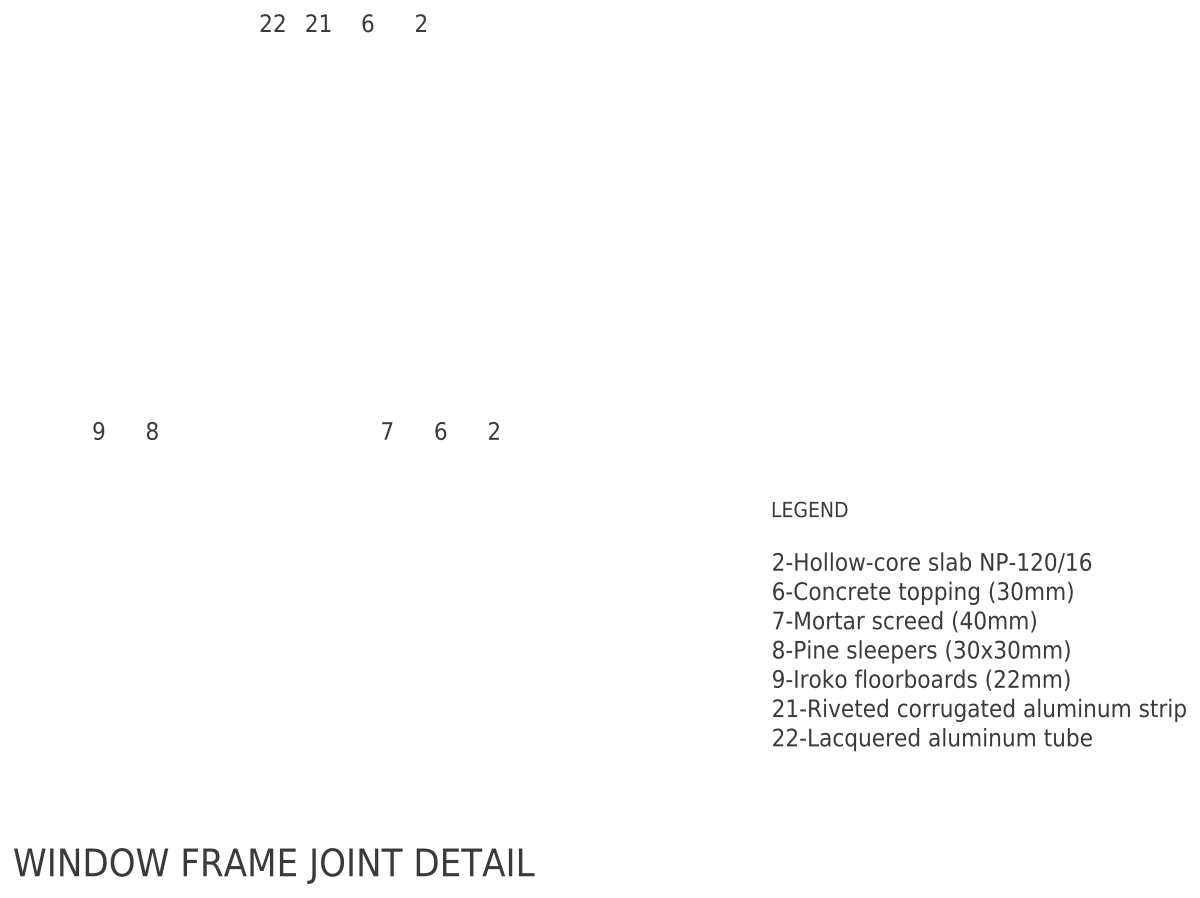 Window Joint at Hollow-Core SlabSection · 26½″ × 37⅞″672 × 963 mm
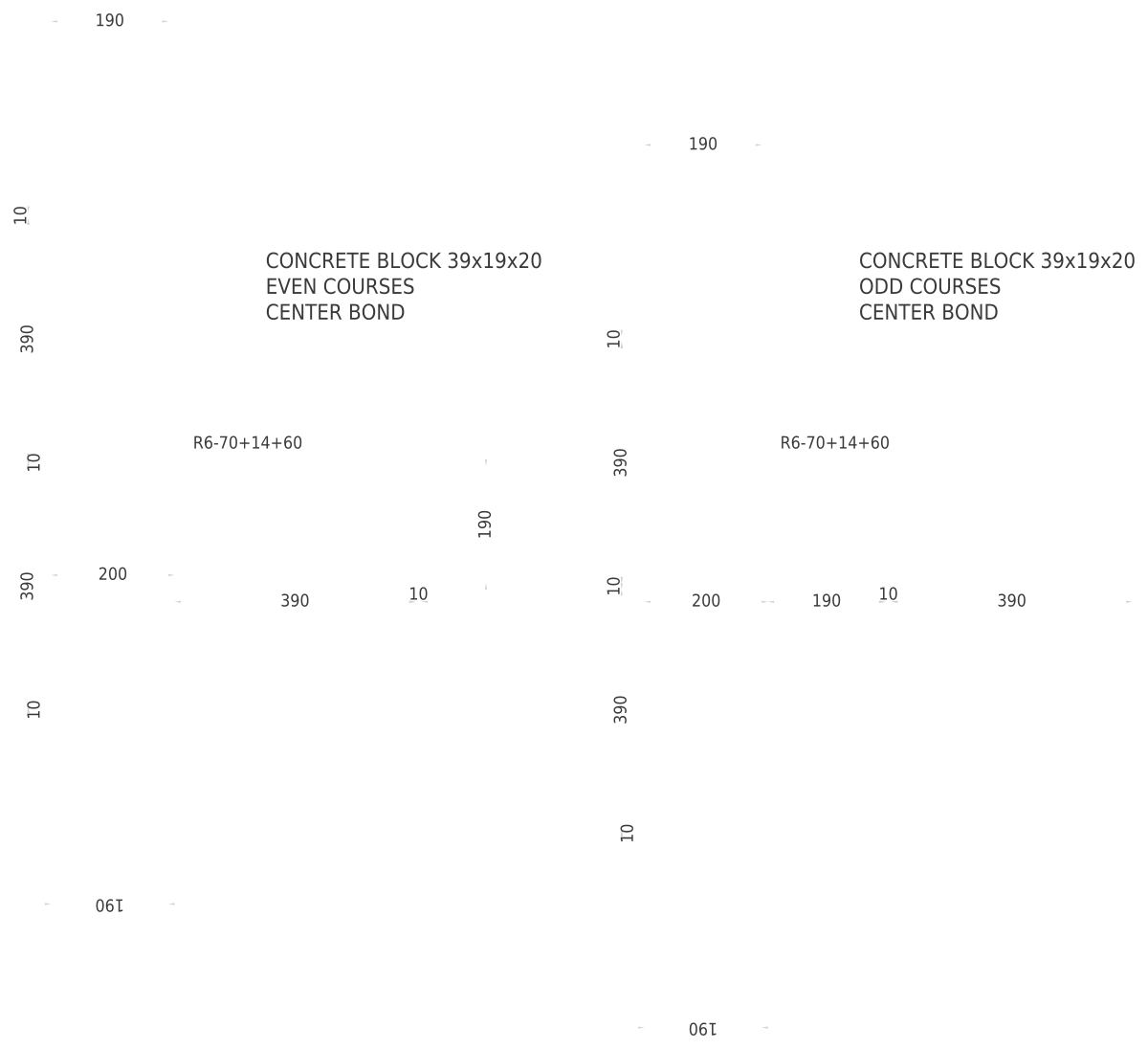 Concrete Block Wall BondingDetail · 68⅞″ × 62″1751 × 1575 mm
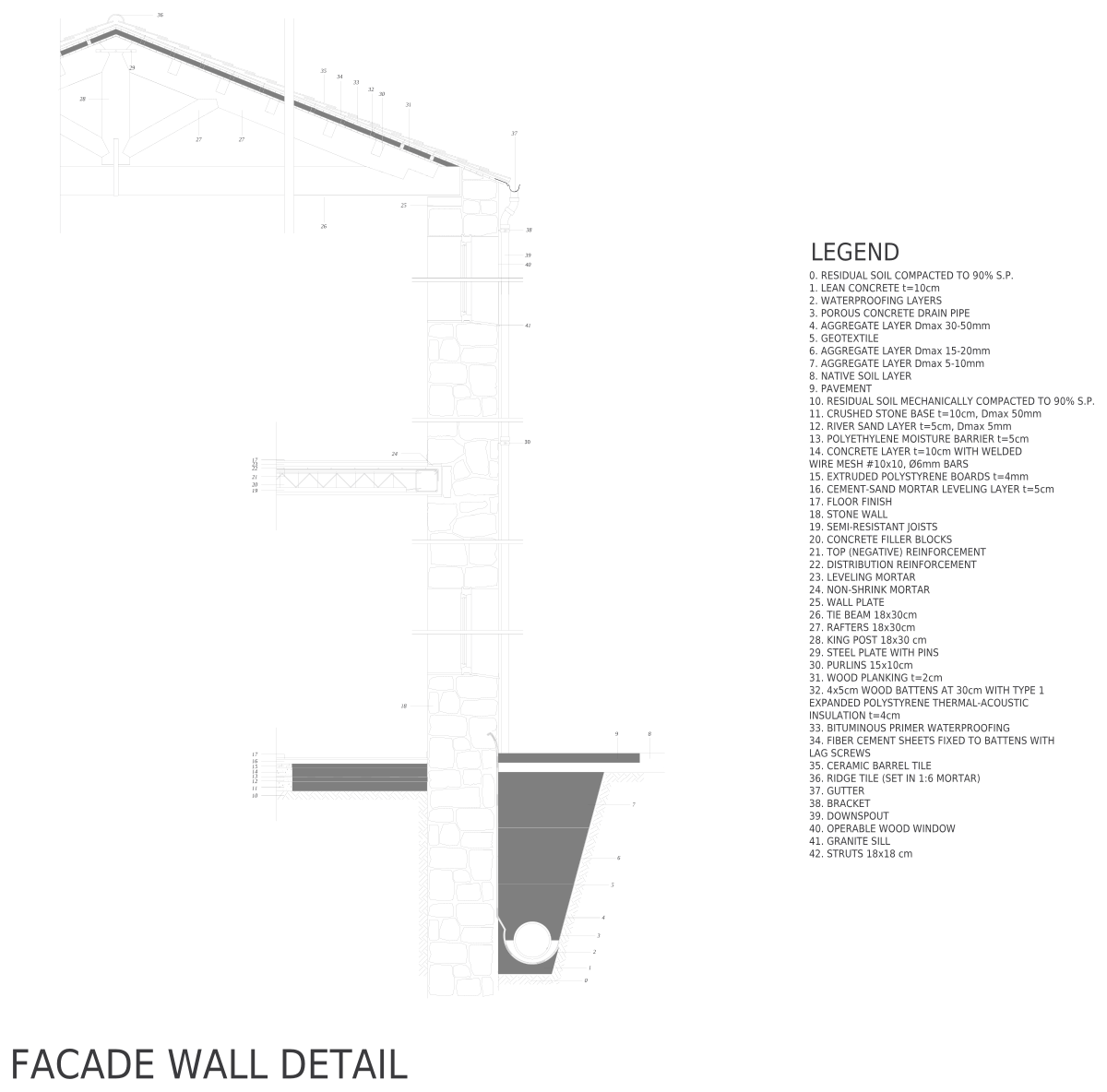 Masonry Facade WallSection · 21′-1¼″ × 34′-3″6432 × 10,440 mm
 Balcony DoorSection · 69⅝″ × 13′-7¼″1767 × 4147 mm
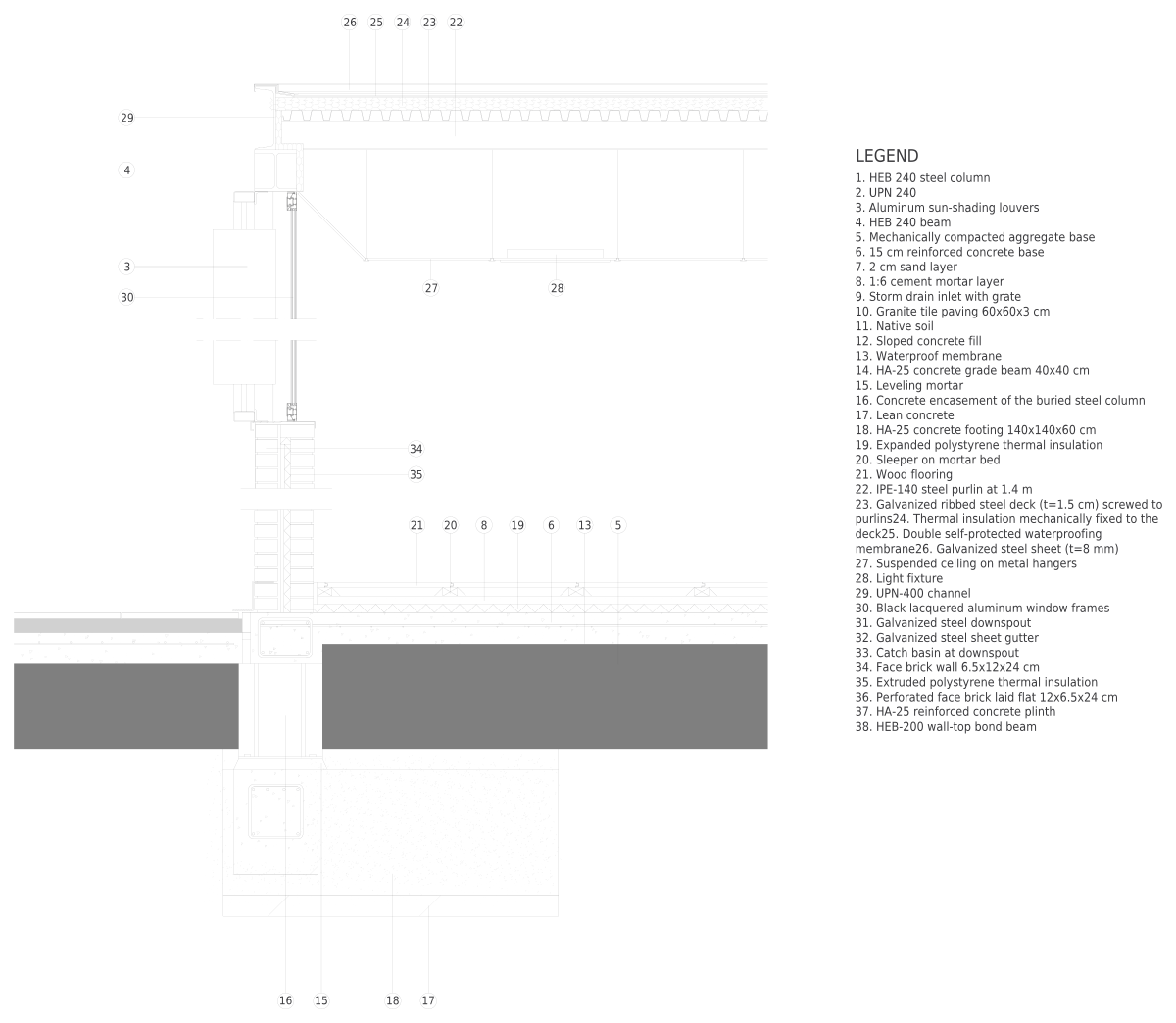 Steel Structure FacadeSection · 11′-9¾″ × 15′-7⅛″3600 × 4753 mm
Most downloaded in Construction details
Balcony DoorSection · 69⅝″ × 13′-7¼″1767 × 4147 mm
2
Concrete Block Wall BondingDetail · 68⅞″ × 62″1751 × 1575 mm
3
Masonry Facade WallSection · 21′-1¼″ × 34′-3″6432 × 10,440 mm
4 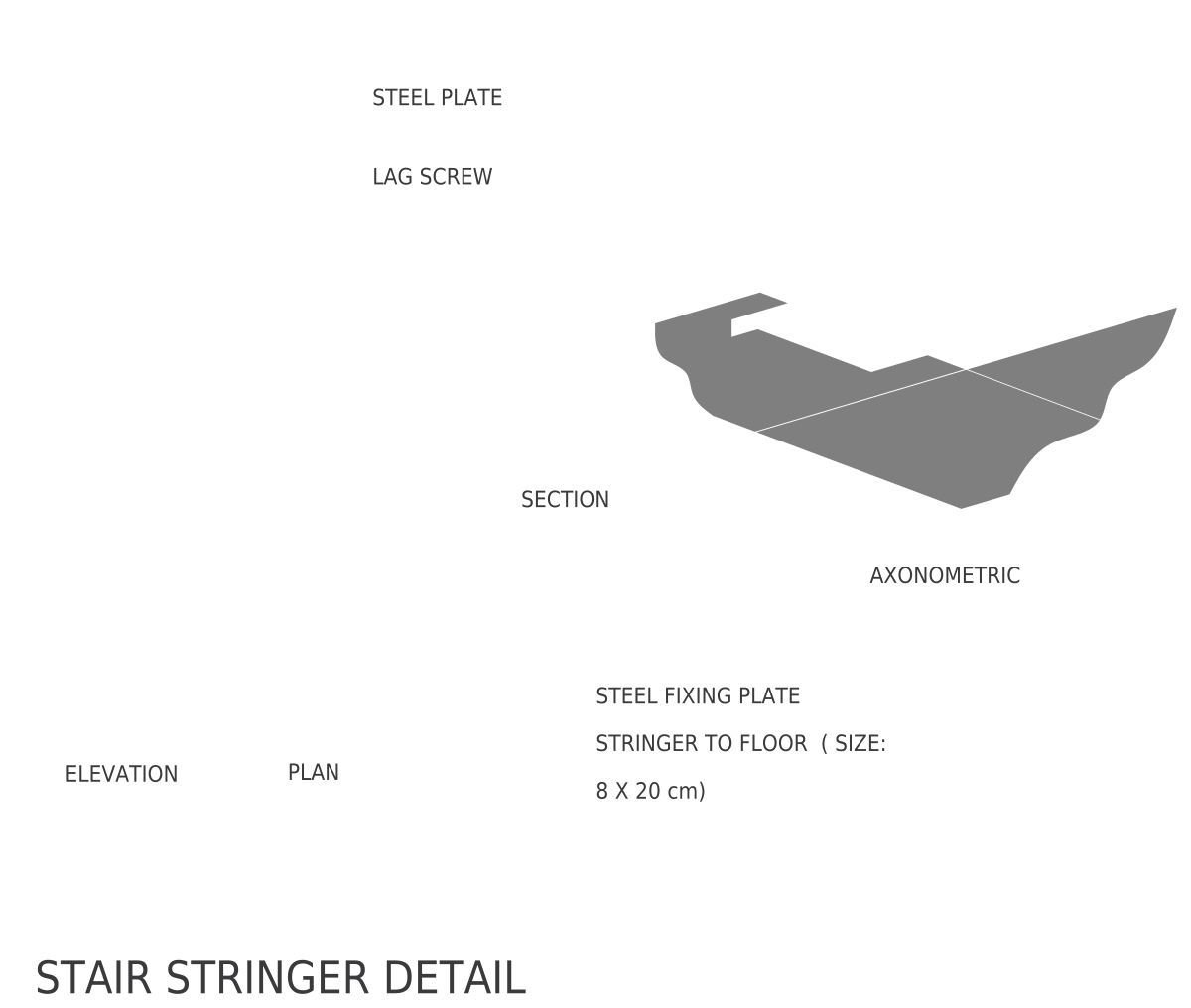 Stair Stringer AnchorDetail · 104¾″ × 65¼″2660 × 1657 mm
5
Stair Stringer AnchorDetail · 104¾″ × 65¼″2660 × 1657 mm
5 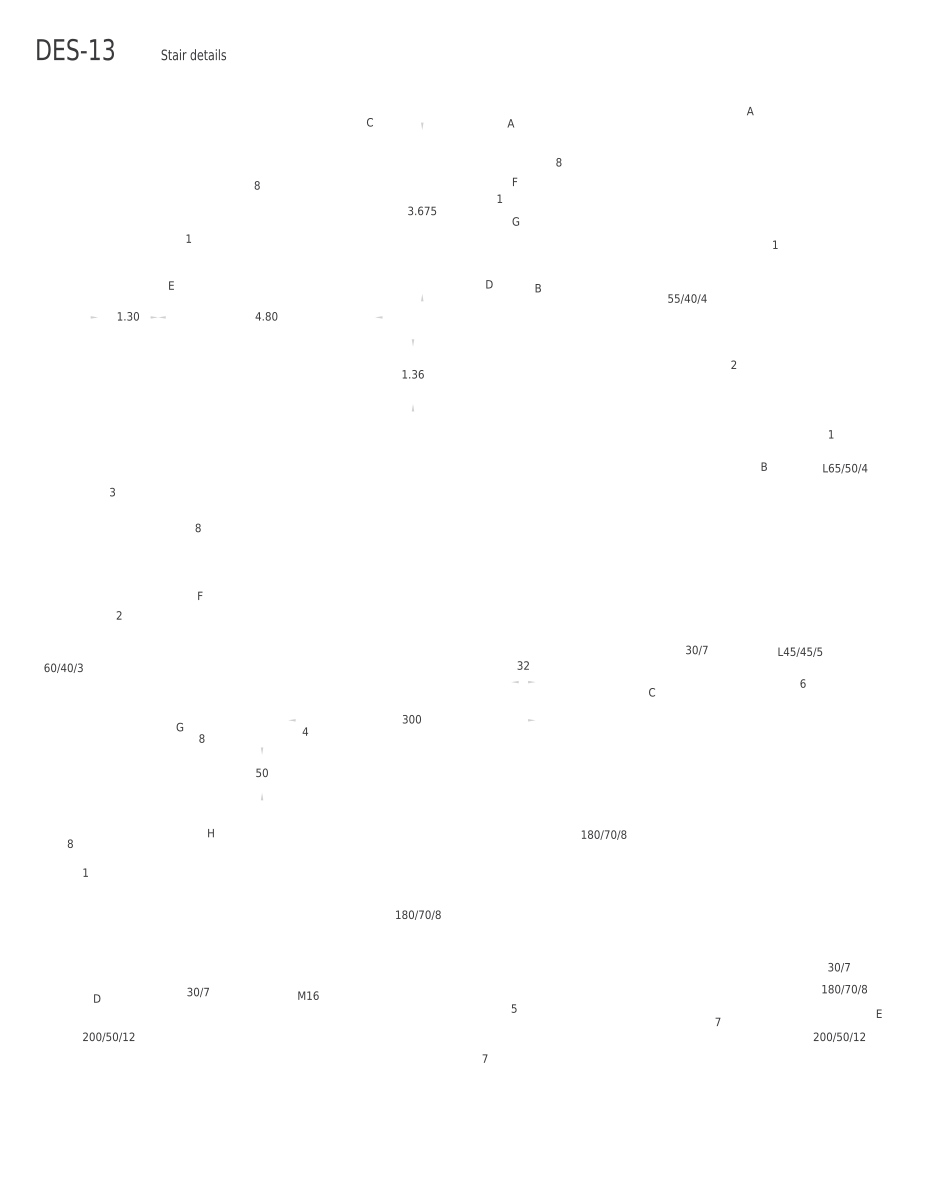 Steel Stair ConstructionDetail · 70′-6½″ × 91′-7¼″21,500 × 27,921 mm
6
Steel Structure FacadeSection · 11′-9¾″ × 15′-7⅛″3600 × 4753 mm
Steel Stair ConstructionDetail · 70′-6½″ × 91′-7¼″21,500 × 27,921 mm
6
Steel Structure FacadeSection · 11′-9¾″ × 15′-7⅛″3600 × 4753 mm