Doors & windows in SVG
These doors & windows blocks also download as SVG: clean vector line work for Illustrator, Inkscape, Figma or the web, from the same drawing as the DWG.
10blocks in SVG
Freeno sign-up
Doors & windows in SVG
10 blocks
 Accordion Door
Front · 31½″ × 82⅝″801 × 2100 mm
DWGDXFPDFPNGSVG
Accordion Door
Front · 31½″ × 82⅝″801 × 2100 mm
DWGDXFPDFPNGSVG
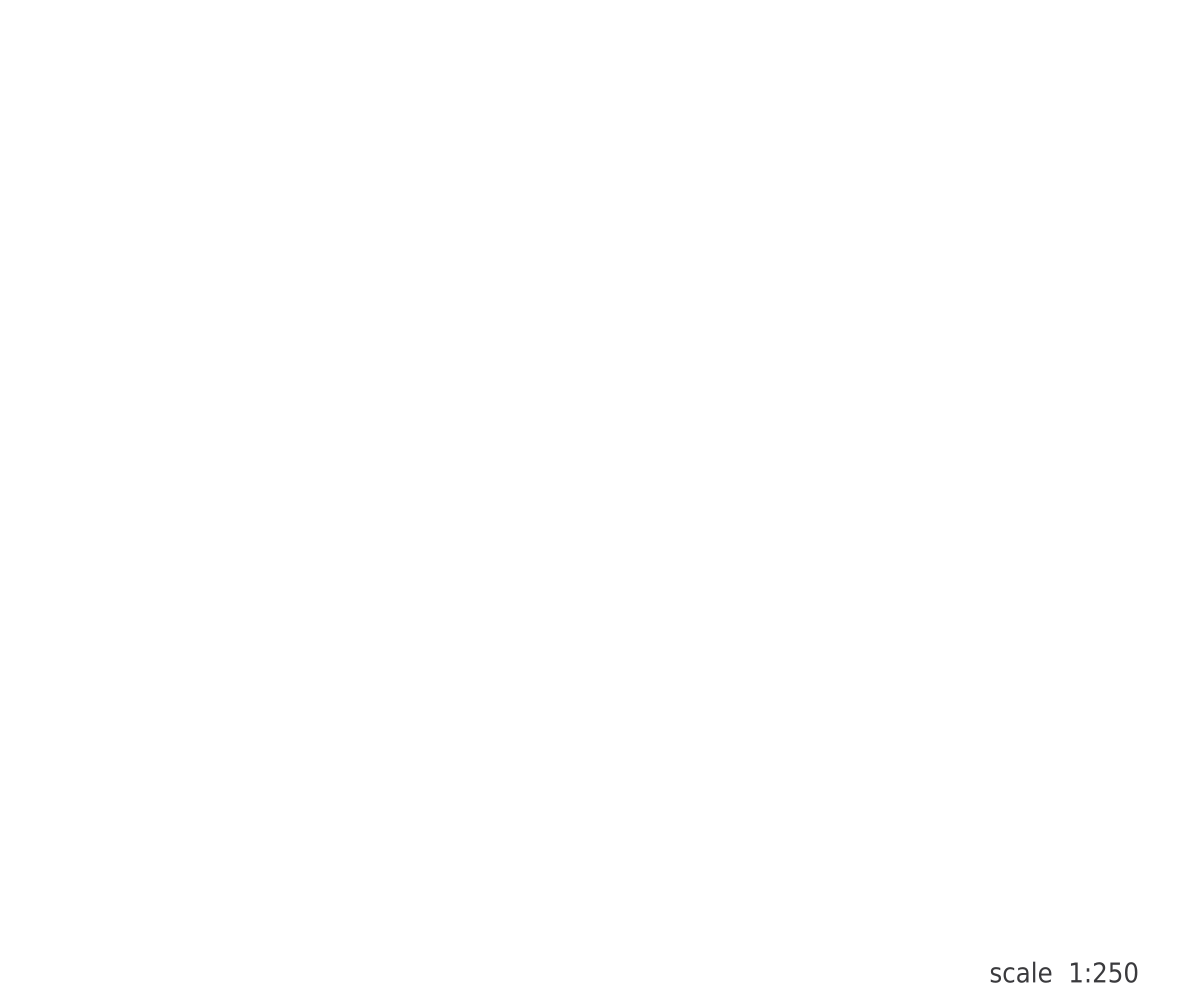 Door Hinge
Detail · 10⅞″ × 8¼″276 × 208 mm
DWGDXFPDFPNGSVG
Door Hinge
Detail · 10⅞″ × 8¼″276 × 208 mm
DWGDXFPDFPNGSVG
 Door Swing
Plan · 32¼″ × 32⅝″820 × 830 mm
DWGDXFPDFPNGSVG
Door Swing
Plan · 32¼″ × 32⅝″820 × 830 mm
DWGDXFPDFPNGSVG
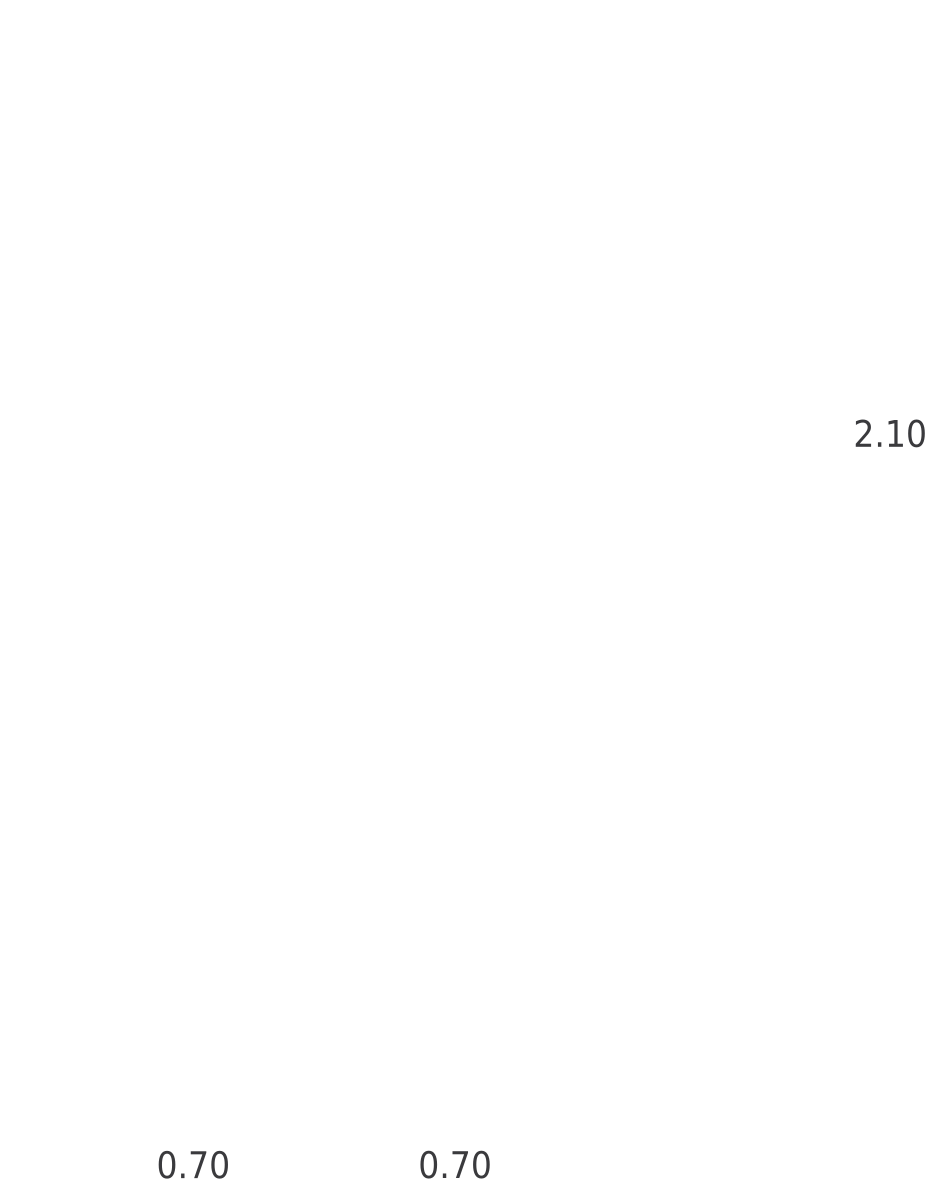 Double Swing Door
Elevation · 98⅜″ × 10′-9″2500 × 3277 mm
DWGDXFPDFPNGSVG
Double Swing Door
Elevation · 98⅜″ × 10′-9″2500 × 3277 mm
DWGDXFPDFPNGSVG
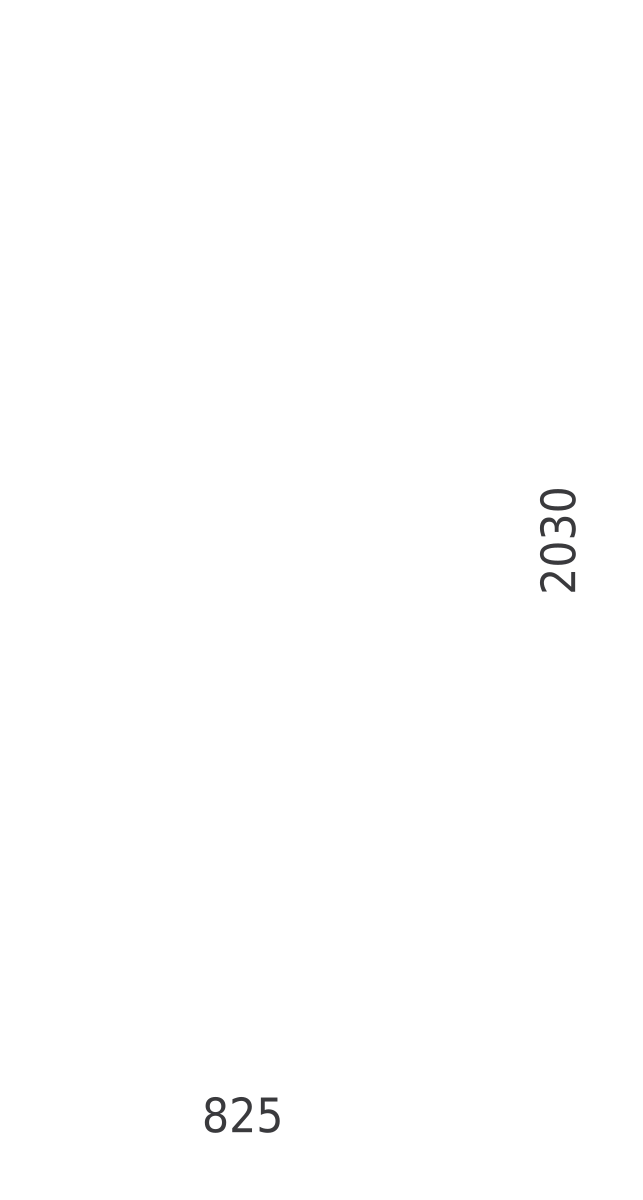 Panel Door
Front · 36⅜″ × 81⅞″925 × 2080 mm
DWGDXFPDFPNGSVG
Panel Door
Front · 36⅜″ × 81⅞″925 × 2080 mm
DWGDXFPDFPNGSVG
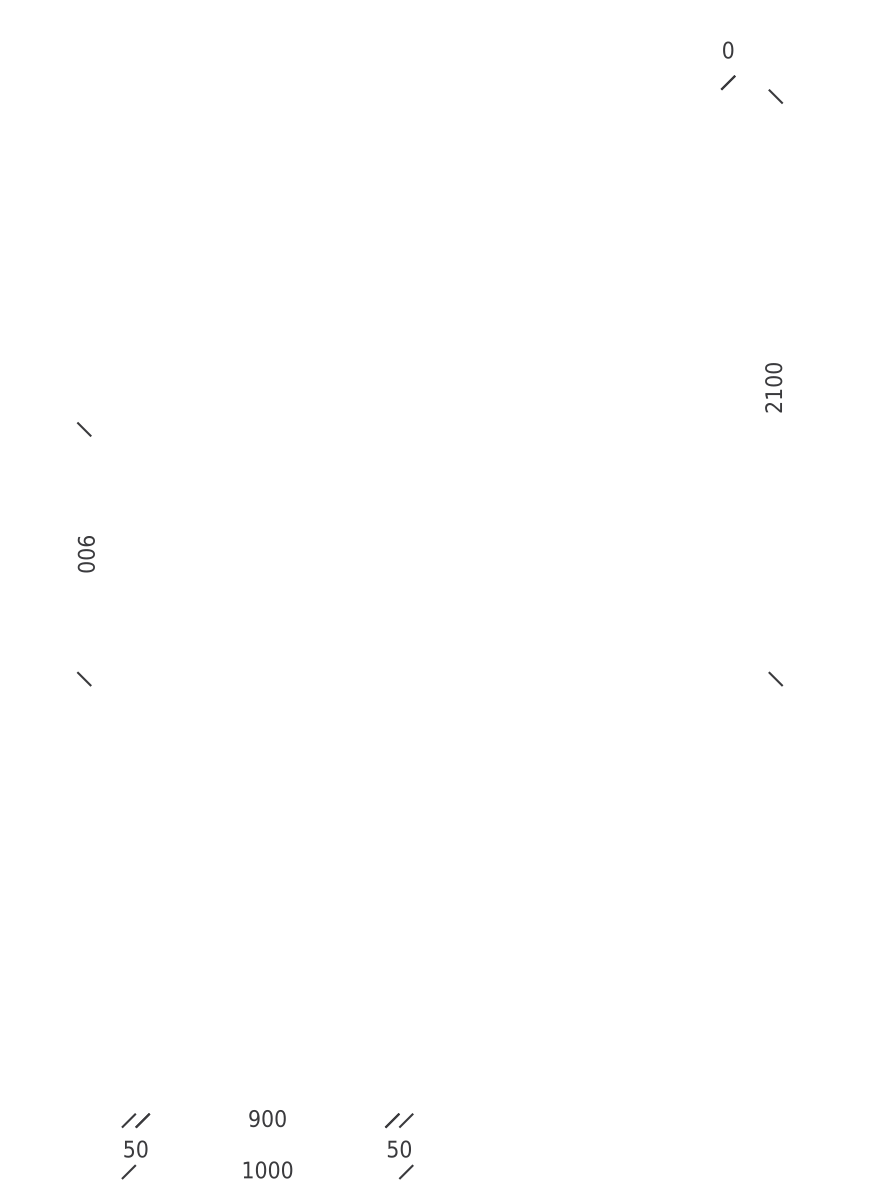 Pocket Door
Elevation · 64″ × 94⅜″1627 × 2398 mm
DWGDXFPDFPNGSVG
Pocket Door
Elevation · 64″ × 94⅜″1627 × 2398 mm
DWGDXFPDFPNGSVG
 Sliding Door
Section · 64″ × 5⅞″1626 × 150 mm
DWGDXFPDFPNGSVG
Sliding Door
Section · 64″ × 5⅞″1626 × 150 mm
DWGDXFPDFPNGSVG
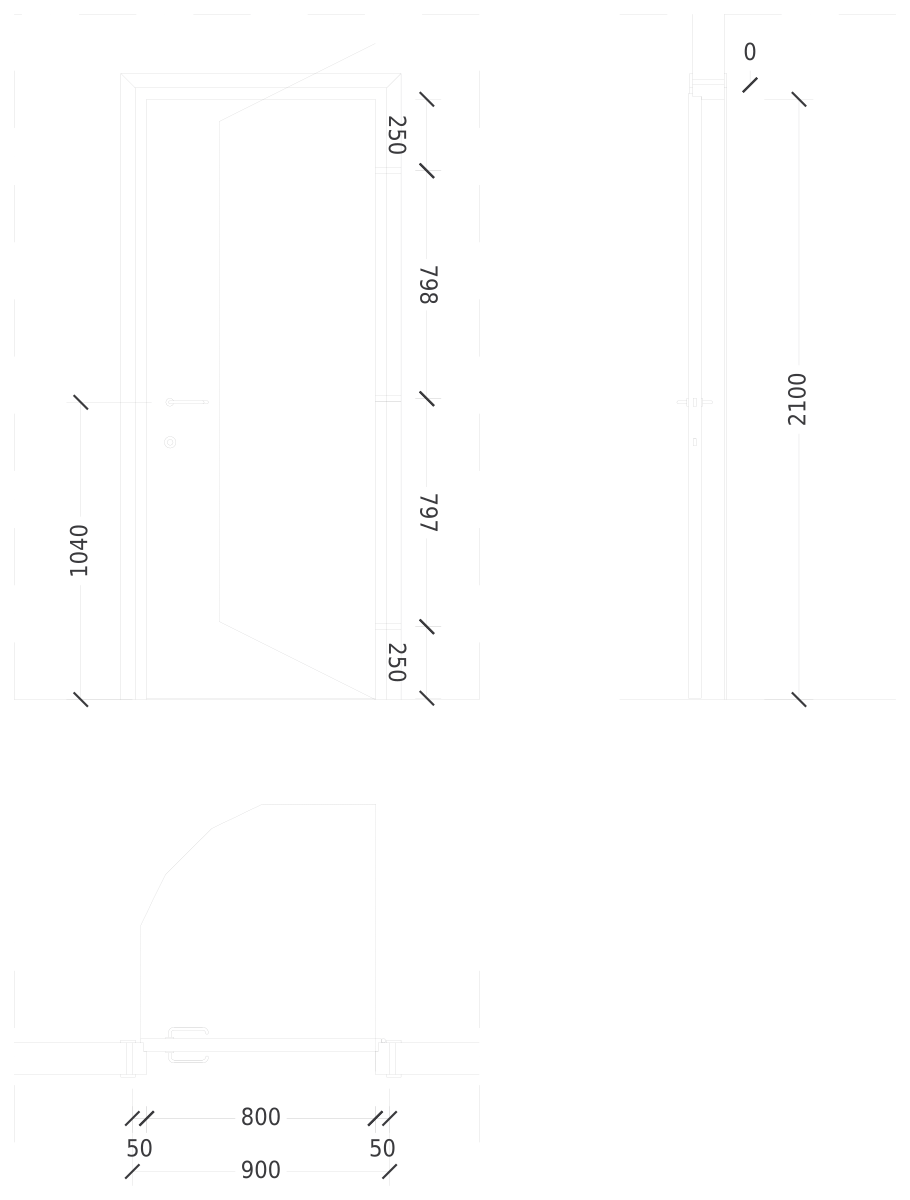 Swing Door
Elevation · 10′-1½″ × 12′-11⅜″3085 × 3946 mm
DWGDXFPDFPNGSVG
Swing Door
Elevation · 10′-1½″ × 12′-11⅜″3085 × 3946 mm
DWGDXFPDFPNGSVG
 Tilt-Up Garage Door
Elevation · 17′-8″ × 16′-1″5386 × 4903 mm
DWGDXFPDFPNGSVG
Tilt-Up Garage Door
Elevation · 17′-8″ × 16′-1″5386 × 4903 mm
DWGDXFPDFPNGSVG
 Vertical Panel Door
Front · 36¼″ × 81¾″920 × 2077 mm
DWGDXFPDFPNGSVG
Vertical Panel Door
Front · 36¼″ × 81¾″920 × 2077 mm
DWGDXFPDFPNGSVG
How to use the SVG files
- Open the block. Pick a block below and download the SVG from its page, next to the DWG.
- Open it in your editor. Drag the file into Illustrator, Inkscape, Figma or Affinity Designer. Every line is a vector path.
- Restyle it. Change line weights and colours, or fill the shapes. The proportions stay those of the real object.
Drawing in CAD? Every block also comes as a DWG and a DXF at real size, in inches and millimeters. Which format do I need?
Common questions
Are the SVG files really vectors?
Yes. They are exported from the same CAD drawing as the DWG, so every line is a vector path you can select, recolour and scale without losing quality.
Can I use the SVG files in commercial work?
Yes. Like the DWG files, they are free for personal and commercial projects, with no sign-up.
Do the SVG files keep the real size?
They keep the real proportions. For exact real-world dimensions in a drawing, use the DWG or DXF, which are drawn 1:1 in inches or millimeters.