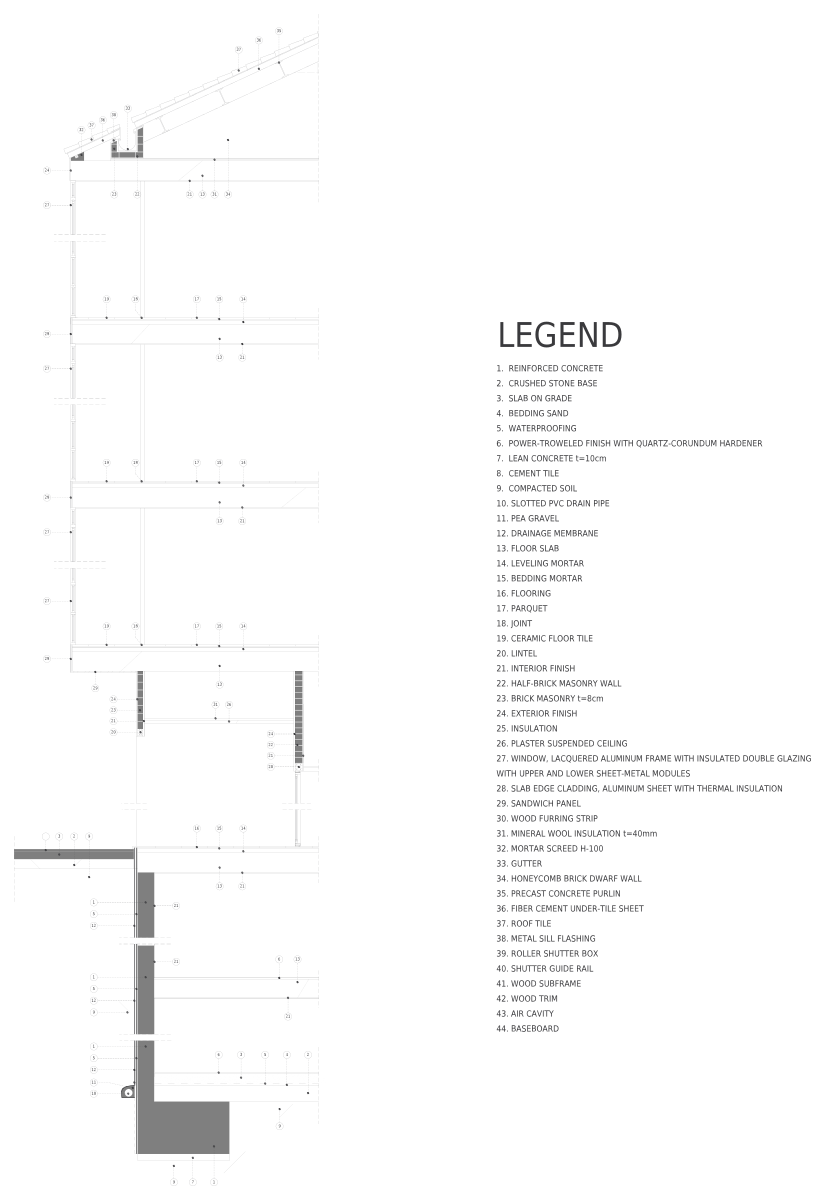
Sliding door CAD block · section
 5′-4″1626 mm
5⅞″150 mm
5′-4″1626 mm
5⅞″150 mm
Section · 64″ × 5⅞″1626 × 150 mm
Description
This sliding door CAD block is a construction section, 64″ × 5⅞″ (1626 × 150 mm), drawn at full size.
The download comes as two DWG files for AutoCAD 2000 and later, one in inches and one in millimeters, both with the base point at 0,0. In an imperial drawing insert cadgrid-sliding-door-horizontal-section_in.dwg; in a metric one, cadgrid-sliding-door-horizontal-section_mm.dwg. No scaling is needed in either case.
For accessibility, a door needs a 32″ (813 mm) clear opening with the leaf open 90° (ADA 404.2.3).
Working outside CAD? The same drawing also comes as a DXF for other CAD programs, a PDF for printing, a PNG with a transparent background for slides and mood boards and an SVG you can edit in Illustrator, Inkscape or Figma.
Common questions
How big is this sliding door block?
It measures 64″ × 5⅞″ (1626 × 150 mm) in section, taken from the outer edges of the drawing. The page shows the same sizes in both units next to the drawing.
Which units does the DWG use?
Both. cadgrid-sliding-door-horizontal-section_in.dwg is drawn in inches (INSUNITS 1) and cadgrid-sliding-door-horizontal-section_mm.dwg in millimeters (INSUNITS 4). Insert the one that matches your drawing at scale 1 and the block comes in at its real size.
How wide does an accessible door have to be?
The clear opening must be at least 32″ (813 mm), measured with the door open 90°. In practice that means a 36″ (914 mm) door leaf.
Can I use this sliding door outside AutoCAD?
Yes. Use the DXF in other CAD programs, the PNG with its transparent background in slides, documents and mood boards, the SVG to edit it in Illustrator, Inkscape or Figma, and the PDF to print it or send it to someone without CAD.
More doors, to scale Elevation · to scale
 Accordion Door · 31½″ × 82⅝″
6′-10⅝″2100 mm
Accordion Door
6′-0″1829 mm
6 ft person
Accordion Door · 31½″ × 82⅝″
6′-10⅝″2100 mm
Accordion Door
6′-0″1829 mm
6 ft person  Panel Door · 36⅜″ × 81⅞″
6′-9⅞″2080 mm
Panel Door
Panel Door · 36⅜″ × 81⅞″
6′-9⅞″2080 mm
Panel Door  Vertical Panel Door · 36¼″ × 81¾″
6′-9¾″2077 mm
Vertical Panel Door
Vertical Panel Door · 36¼″ × 81¾″
6′-9¾″2077 mm
Vertical Panel Door Often placed with this sliding door
Plans and elevations from Doors & windows
Most downloaded in Doors & windows

Often used with doors plans
Other categories designers open when they lay out the same kind of space.