Steel chair 3D model

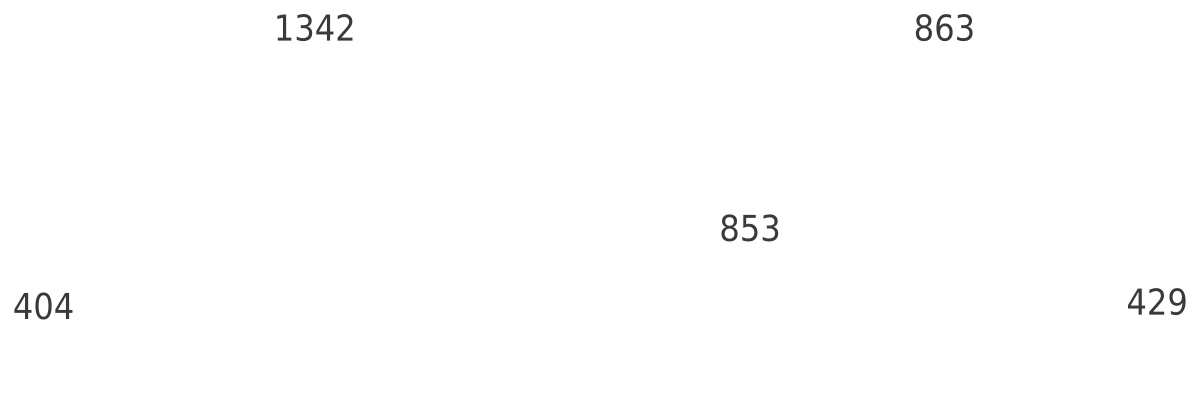
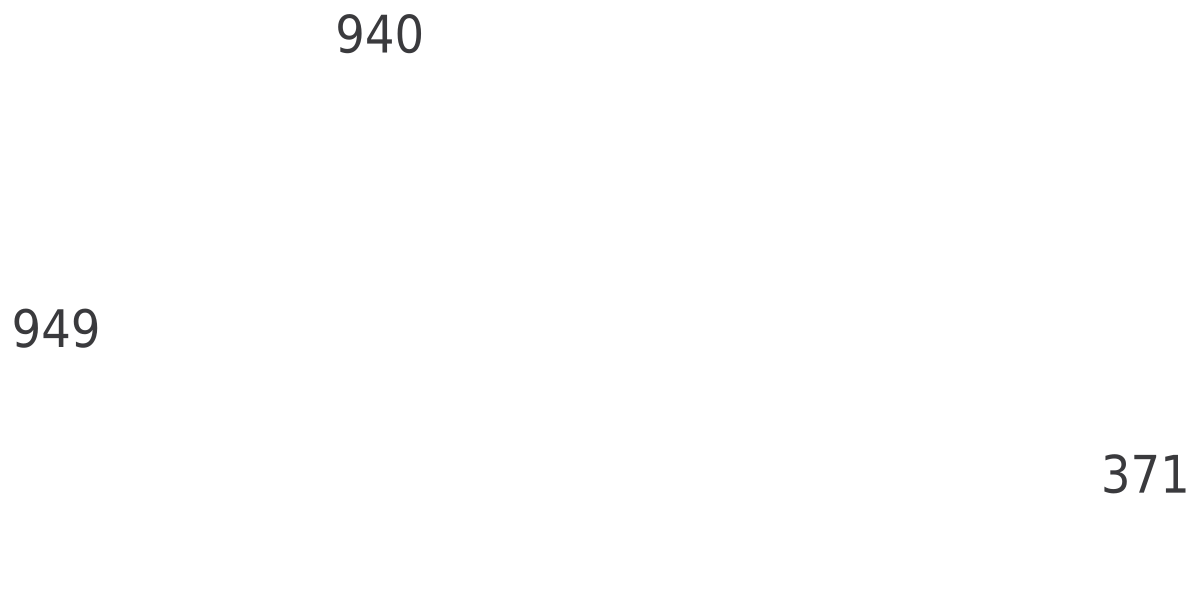
3D model · W × D × H 29¼″ × 28½″ × 51½″742 × 724 × 1308 mm
Description
A 3D steel chair for AutoCAD, 29¼″ × 28½″ × 51½″ (742 × 724 × 1308 mm) across its width, depth and height.
You get an inch DWG and a millimeter DWG, both saved for AutoCAD 2000 and later with the base point at 0,0. AutoCAD LT opens and displays it; to edit or render it you need full AutoCAD or another 3D-capable DWG program.
In AutoCAD, FLATSHOT turns the current view of the model into a 2D block, which gives quick plans and elevations.
Common questions
What are the dimensions of this steel chair model?
29¼″ × 28½″ in plan and 51½″ high (742 × 724 × 1308 mm), measured on the model's extents.
Which units does the 3D model use?
Both: cadgrid-3d-steel-chair_in.dwg is in inches and cadgrid-3d-steel-chair_mm.dwg in millimeters. Insert the one that matches your drawing at scale 1.
Can I use it in SketchUp or Revit?
SketchUp and Revit can import DWG files, so you can bring it in as a reference. How much of the 3D geometry carries over depends on the program and its import settings.
More furniture 3D models




2D home furniture CAD blocks
Plans and elevations to draw with, in inches and millimeters.