Simple car 3D model
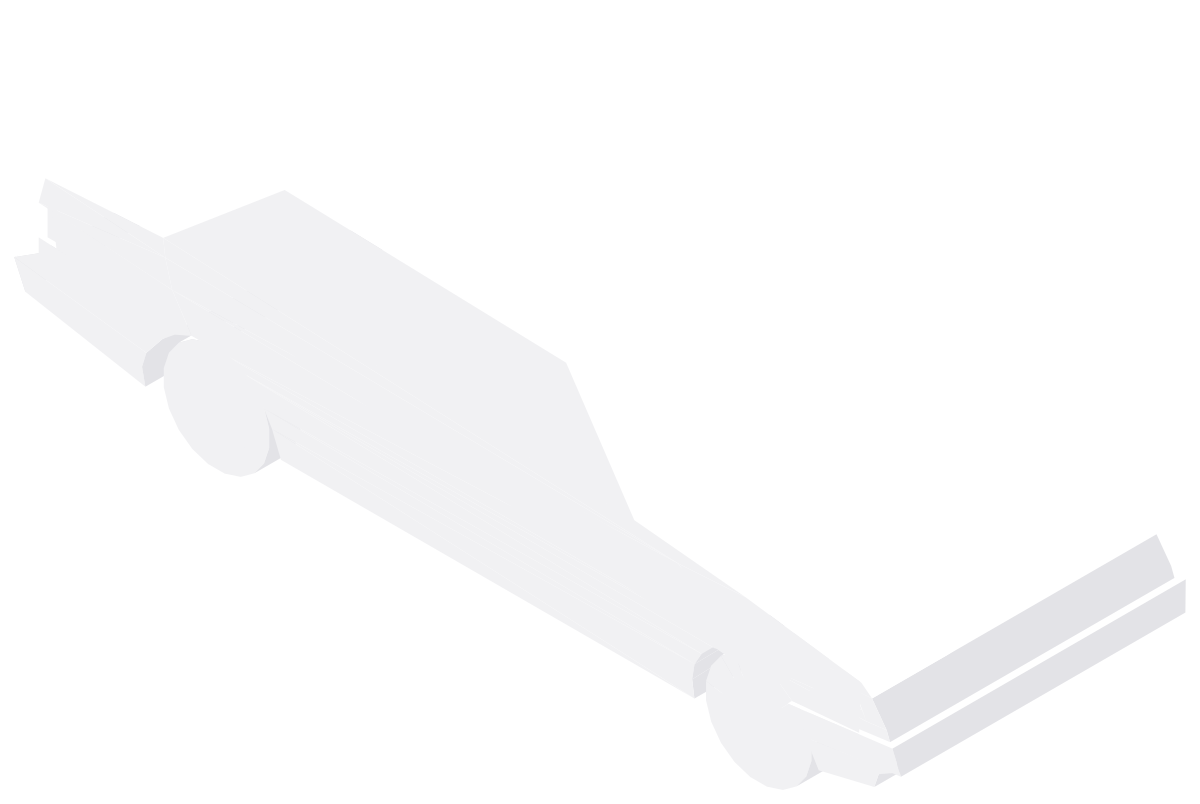
3D model · W × D × H 16′-1⅞″ × 71⅞″ × 56⅝″4926 × 1825 × 1438 mm
Description
A 3D simple car for AutoCAD, 16′-1⅞″ × 71⅞″ × 56⅝″ (4926 × 1825 × 1438 mm) across its width, depth and height.
You get an inch DWG and a millimeter DWG, both saved for AutoCAD 2000 and later with the base point at 0,0. AutoCAD LT opens and displays it; to edit or render it you need full AutoCAD or another 3D-capable DWG program.
In AutoCAD, FLATSHOT turns the current view of the model into a 2D block, which gives quick plans and elevations.
Common questions
How big is the simple car 3D model?
16′-1⅞″ × 71⅞″ in plan and 56⅝″ high (4926 × 1825 × 1438 mm), measured on the model's extents.
Which units does the 3D model use?
Both: cadgrid-3d-basic-car_in.dwg is in inches and cadgrid-3d-basic-car_mm.dwg in millimeters. Insert the one that matches your drawing at scale 1.
Can I use it in SketchUp or Revit?
SketchUp and Revit can import DWG files, so you can bring it in as a reference. How much of the 3D geometry carries over depends on the program and its import settings.
More vehicles 3D models
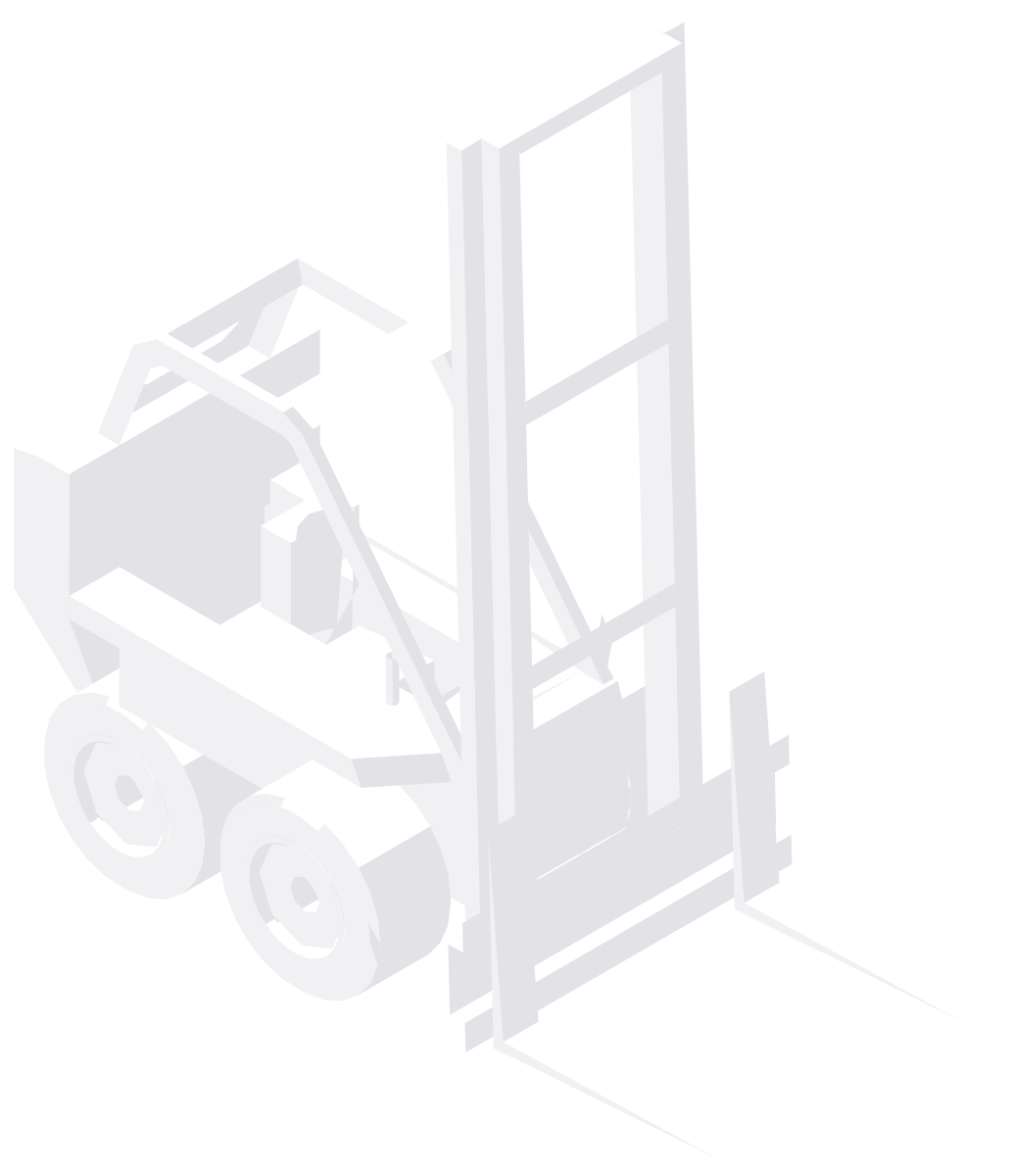 3D
Forklift
12′-4½″ × 66¼″ × 12′-7⅛″3772 × 1682 × 3840 mm
3D
Forklift
12′-4½″ × 66¼″ × 12′-7⅛″3772 × 1682 × 3840 mm
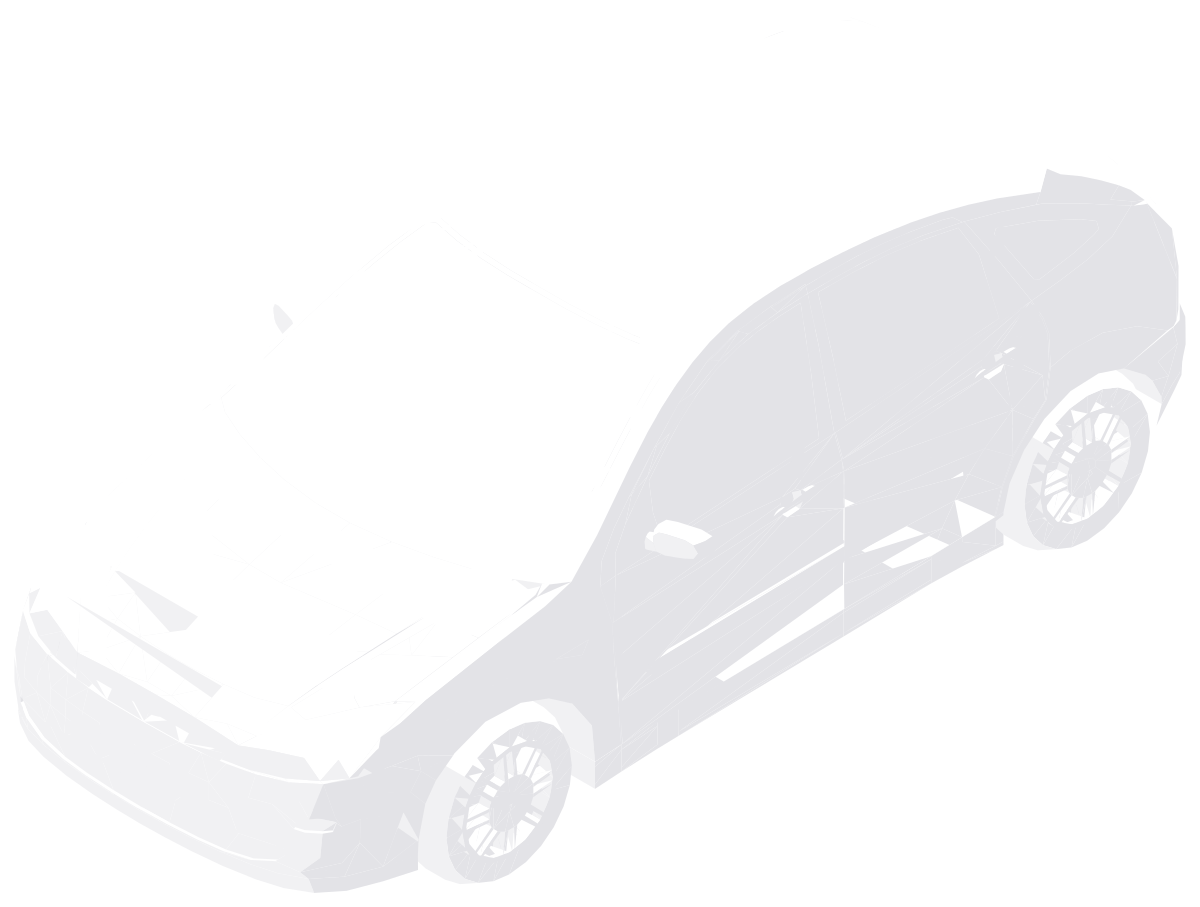 3D
Ford Focus
77½″ × 13′-7¾″ × 59⅛″1968 × 4160 × 1503 mm
3D
Ford Focus
77½″ × 13′-7¾″ × 59⅛″1968 × 4160 × 1503 mm
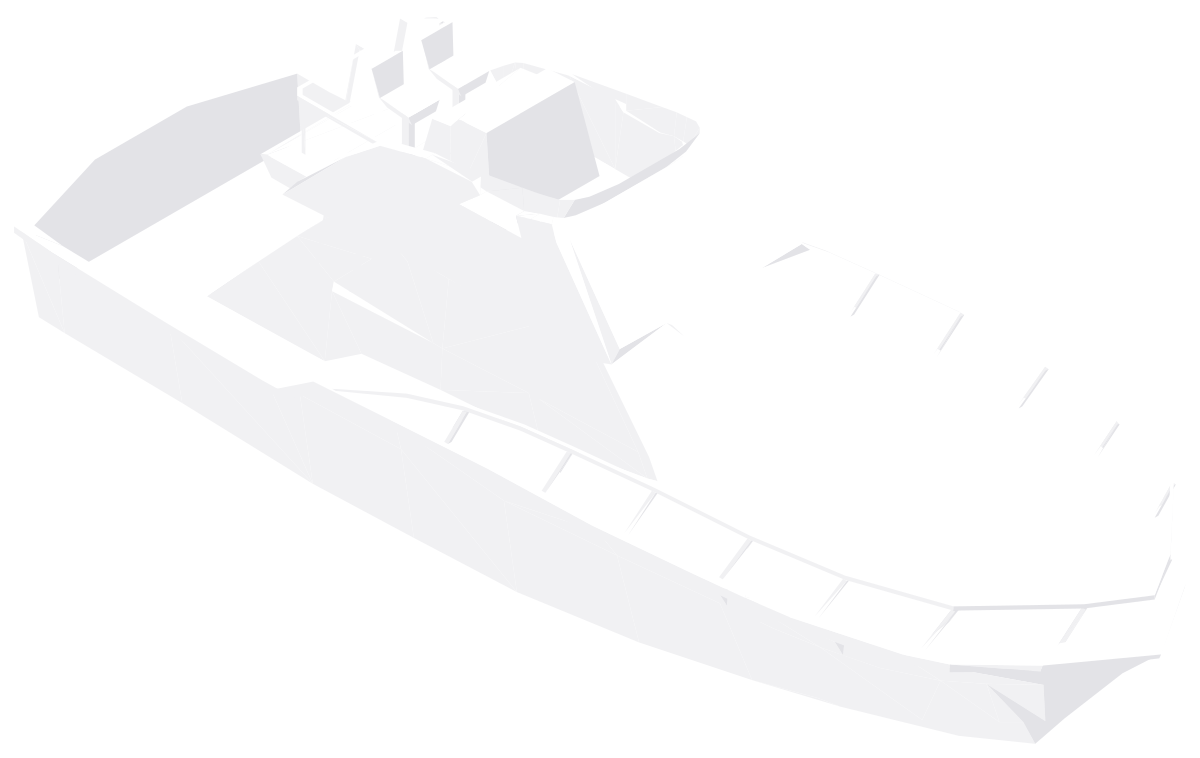 3D
Motor Yacht
51′-2⅛″ × 16′-2⅛″ × 18′-1⅛″15,600 × 4931 × 5516 mm
3D
Motor Yacht
51′-2⅛″ × 16′-2⅛″ × 18′-1⅛″15,600 × 4931 × 5516 mm
 3D
Twinjet Airliner
142′-1½″ × 150′-5⅜″ × 61′-7″43,321 × 45,857 × 18,770 mm
3D
Twinjet Airliner
142′-1½″ × 150′-5⅜″ × 61′-7″43,321 × 45,857 × 18,770 mm
 3D
Articulated Truck
104¾″ × 51′-5¾″ × 13′-0⅜″2661 × 15,691 × 3973 mm
3D
Articulated Truck
104¾″ × 51′-5¾″ × 13′-0⅜″2661 × 15,691 × 3973 mm
2D vehicles CAD blocks
Plans and elevations to draw with, in inches and millimeters.


